
Stape (stape.io) hosts server-side Google Tag Manager, plus gateways, so a store's events reach Meta, Google and TikTok from its own first-party domain. Brands look at Stape alternatives for what the hosting leaves with them: the brand or its agency builds and maintains every tag in the container, the bill follows request volume, and the reporting shows requests, with no view of which campaign made money.

This list compares 12 Stape competitors, from other hosts for the same sGTM container to managed pipelines without GTM, a separate tag manager and tools that add attribution and profit reporting. Each alternative to Stape is ranked on attribution and tracking accuracy, data foundation, profit, what happens after attribution, and the setup and upkeep it leaves with your team.

Key Takeaways

Admetrics is the best Stape alternative for ecommerce brands. First-party tracking, conversions sent back to the ad platforms server-to-server, multi-touch attribution, contribution margin down to the SKU and budget moves run on one set of order data, with no server container to build or maintain, from $399/month.
Most Stape alternatives only change how events reach the ad platforms. The purchase reaches Meta and Google server-side, and each platform keeps crediting purchases to itself, view-through and modeled conversions included, at full revenue. Nobody on the team sees which campaign actually earned margin.
Moving to another sGTM host keeps the work. The same server container runs on different infrastructure, and the tags, triggers, event_id deduplication and consent setup inside it stay with your team or agency, along with request-based billing.
Most tools send revenue, or swap in profit as the conversion value, without a profit report by campaign. A campaign can look strong at full revenue and lose money once product cost, shipping, payment fees and returns come off each order.
Billing units differ: requests, events, orders, GMV or ad spend. A request quota grows with every page view and event the container receives, an order plan grows with purchases and an ad-spend plan grows with media budget, which means the cheapest entry plan isn't the cheapest at your volume. We'd price each option at your own monthly traffic and orders before comparing entry plans.

Why ecommerce brands look for a Stape alternative

A team running Stape-hosted sGTM today lives with five drawbacks.

You build and maintain the tracking. Stape hosts the container, and everything inside it is configured in GTM by the brand or an agency: the web container and data layer that feed it, a tag and trigger per destination, event_id deduplication against the browser pixel, and consent passing. On Shopify, Stape's setup still assumes a working web GTM container and a custom pixel pasted into Customer Events. Consent is set in the web container and carried to the server with each request, through the GA4 gcs parameter or a consent-state option on Stape's Data Tag. Each new destination is another tag, another trigger and another pass through GTM Preview.

Stape's own setup service starts at $1,100, and Stape Care runs $99–199 a month.

Billing follows requests, not orders. Plans are capped by monthly requests: 500,000 on Pro and 5 million on Business. Every page view and event the tags fire counts toward the cap, whether or not the visit ends in a purchase. Just past the limit the container pauses until the next period, unless auto-upgrade moves the account up a tier. Monitoring with email alerts starts on Business, and logs are kept for 3 days on Pro and 10 on Business.

No attribution or ROAS reporting. Stape's dashboard shows request analytics and ad-blocker information. Which channel or campaign drove an order is left to Meta Ads Manager, Google Ads and TikTok Ads Manager, each of which credits the same purchase to itself.

Profit stops at the conversion value. The POAS Data Feed, on Pro and up, stores product costs so the tags can send profit in place of revenue. The ad platforms bid on that number, and the team still gets no profit report by campaign or product to judge them by.

No budget moves. Every budget change still happens by hand, one ad account at a time.

How we ranked the Stape alternatives

We scored every tool on five criteria. Prices and features are as of November 2026.

▪Attribution and tracking accuracy. Whether the tool tracks first-party on the store's domain, ties events to real shop orders and credits channels with its own models, or leaves attribution to the ad platforms.
▪Data foundation. Whether ad clicks, sessions and orders sit in one dataset from ad click to order, which store systems connect, custom stores included, and where the data is hosted.
▪Profit over revenue. Whether product cost, shipping, payment fees and returns reach the campaign report as CM2, CM3 and POAS, or profit only replaces revenue in the event sent to the platforms.
▪What happens after attribution. Whether conversions are sent back to the ad platforms server-to-server, deduplicated against the browser pixel, and whether anything moves budget toward the campaigns that earned margin.
▪Setup and upkeep. Whether you still run a server-side GTM container, who builds and maintains the tags, triggers, deduplication and consent passing, and what the bill grows with.

Stape alternatives compared

The Setup column shows whether a server-side GTM container stays in the stack and what the bill is counted in.

#
PLATFORM
ATTRIBUTION
PROFIT CONTROL
S2S PUSHBACK
ACTION
SETUP
1
Admetrics
Own tracking, multi-touch models + MMM
CM2, CM3, POAS to SKU
Meta, Google, TikTok and more (paid add-on)
Ad Pilot on Meta; budget controls
No container; managed
2
TAGGRS
No
Profit as value (Pro+)
Via sGTM tags
No
sGTM container; billed by requests
3
Addingwell
No
Margin as value
Via sGTM tags
No
sGTM container; billed by requests
4
Elevar
No
Profit as value (Advanced+)
All destinations on paid plans
No
Shopify app; billed by orders
5
Tracklution
First/last paid click labels
Values via webhooks
Meta, Google, TikTok and more
No
No GTM; billed by events
6
Triple Whale
Triple Pixel, multi-touch models; MMM
Net profit, no CM
Sonar Optimize (paid plans)
Moby Actions on Meta, Google
Pixel; priced by GMV
7
Littledata
No
Profit Signal (beta)
GA4, Meta, Google Ads + 7 more
No
Shopify app; billed by orders
8
sGTM on Google Cloud
No
No
Google built in; others via templates
No
You host and maintain
9
JENTIS
No
No
100+ connectors
No
Own tag manager; managed EU hosting
10
ProfitMetrics
Profit Attribution (beta add-on)
Gross profit to CM and net profit
Google Ads and Meta with profit values, plus OpenAI
Profit-based Shopping campaign split
No GTM; usage-based
11
Analyzify
Order-level purchase attribution
COGS events
Purchases to GA4, Meta, TikTok
No
Shopify app + setup service
12
Reaktion
UTM attribution
Profit per SKU, POAS
Google, Meta, TikTok, Klaviyo, GA4
No
No GTM; billed by orders

Admetrics

★5.0

Best for: ecommerce and DTC brands advertising on Meta, Google and TikTok that want conversions sent back server-to-server without a container to run, and attribution, contribution margin and budget moves on the same order data.
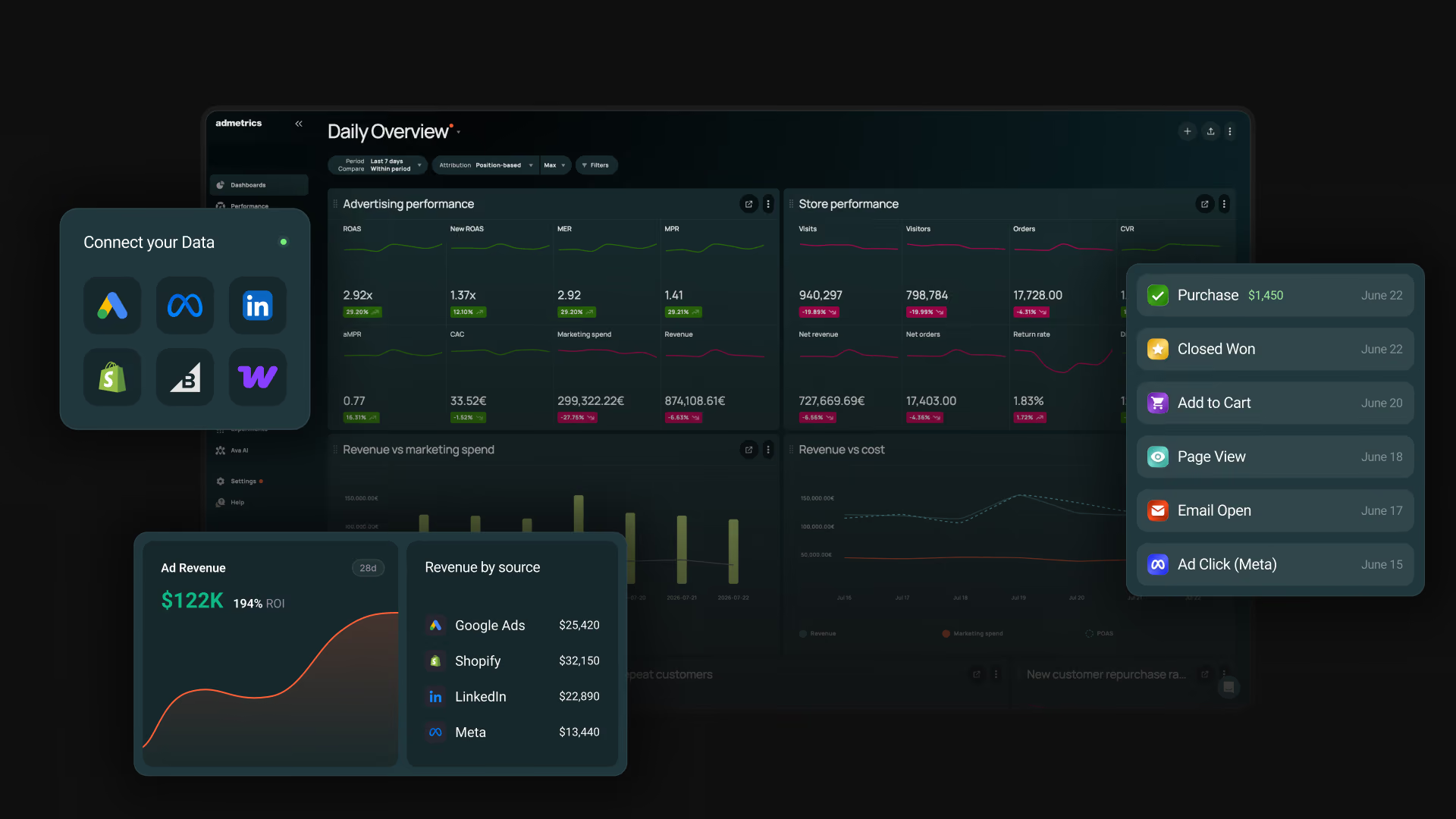
Admetrics dashboard showing server-side tracking, attribution and profit reporting for ecommerce brands

Admetrics measures ecommerce advertising and allocates budget from the store's own orders. Tracking runs first-party on the store's domain, each journey is tied to the real shop order, and conversions go back to Meta, Google, TikTok and other ad platforms server-to-server from that same record. Attribution, contribution margin and budget moves read it too. Over 30 native integrations connect store systems and ad platforms, custom stores included, with no limit on shops, integrations or users.

For a team coming off Stape, the server-side GTM upkeep drops out. Nobody writes a tag and trigger per destination or keeps event_id values in sync between the web and server containers: each conversion is matched to the shop order and deduplicated against the browser pixel. Consent state travels with every event from Shopify's banner or another CMP. The campaign report then shows CM2, CM3 and POAS for each campaign beside the count Meta, Google and TikTok claim, which is the number a Monday budget call can act on.

Key features

▪Tracking. Server-side, first-party tracking on the store's own domain. Journeys are stitched across sessions and devices and anchored to shop orders, consent state goes with every event, and there's no server-side GTM container to build or maintain.
▪Conversion Signals. Conversions sent back server-to-server to Google, Meta, TikTok, Outbrain, Teads, Taboola and ChatGPT, matched to the real shop order and deduplicated against the browser pixel. You choose which signals and values go out, and check the lift in Admetrics reporting and the Chrome extension.
▪Multi-Touch Attribution. Eight attribution models, the data-driven Adaptive model among them, with custom data-driven attribution on the Custom plan. The Chrome extension puts Admetrics numbers inside Meta Ads Manager, Google Ads and TikTok Ads Manager, and the PRISMA marketing mix model is a Custom add-on.
▪Profit Intelligence. CM2, CM3 and POAS for every campaign and product, down to the SKU, from the COGS, shipping, payment fees and returns on each order, inside a P&L that runs from GMV through CM1, CM2 and CM3 to EBITDA.
▪Budget Optimizer and Ad Pilot. Meta, Google, TikTok and Microsoft (Bing) campaign budgets can be controlled from Admetrics. Ad Pilot shifts Meta budgets toward a CAC, POAS or new-customer ROAS target within caps and logs each move, while Budget Optimizer proposes moves across channels.

Strengths

No container to maintain. No server container, tags or triggers to build, test in Preview and keep running.
Single source of truth. One order record feeds the tracking, the conversions sent to the platforms, the attribution report, the margin and the budget moves, leaving no second dataset to reconcile.
Independent attribution inside the ad managers. Admetrics' own credit sits beside the counts Meta, Google and TikTok report for themselves.
Contribution margin per campaign. CM2, CM3 and POAS for every campaign and SKU after product cost, shipping, payment fees and returns.
Budget automation on Meta. Ad Pilot moves Meta budgets toward the target you set and keeps a log of every change.
EU data hosting. Data is processed and stored in the EU with no third-country transfer, and a DPA (AVV) and records of processing are in place.

Limitations

S2S pushback costs extra. Conversion Signals is a paid add-on on every plan.
Fixed destination list. Conversions go to the ad platforms Admetrics supports, with no custom tags to arbitrary endpoints the way an sGTM container allows.
Ad Pilot executes on Meta only. Budgets on Google, TikTok and Microsoft are changed by hand from Admetrics.

Pricing

Growth: $399/month, with the first $20,000 of monthly ad spend included and 1.5% of spend above it. Business: $899/month, with $70,000 included and 1% above. Ad Pilot is available as an add-on from this plan. Custom: quoted, from $100,000 of monthly ad spend. Custom data-driven attribution comes with it, and PRISMA MMM and Budget Optimizer are add-ons. Conversion Signals (S2S pushback) is an add-on on every plan. The bill grows with ad spend rather than with requests or events. Paying annually takes 15% off, the 21-day free trial doesn't ask for a card, and setup takes about an hour.

Reviews

Admetrics holds 5.0 on the Shopify App Store and 4.8 on G2. Reviewers mention the onboarding support and how quickly setup goes.

Bottom line

Admetrics suits the brand that wants Meta, Google and TikTok to keep receiving server-side conversions without a container to run, and wants to see which campaign earned margin and move budget on that number. A team that forwards events to endpoints outside the supported list keeps a container for those.
Book a demo

TAGGRS

★4.6

Best for: brands and agencies that want to keep their server-side GTM container and move it to a Dutch host that bills by requests and reports on consent.
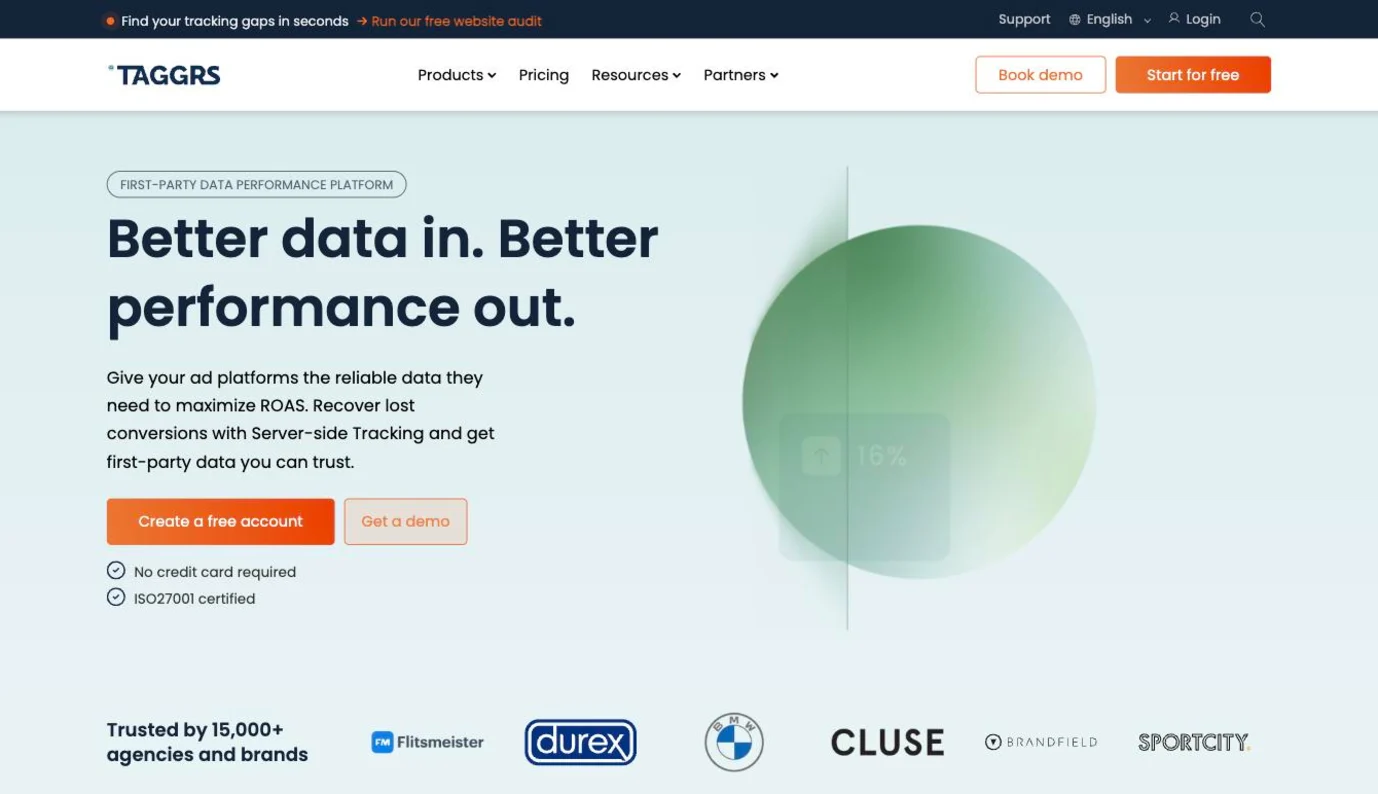
TAGGRS homepage presenting its server-side tracking and sGTM hosting platform

TAGGRS is a server-side GTM host based in the Netherlands. It still needs a server-side GTM container. A team weighing TAGGRS vs Stape keeps the same setup: on Shopify, a data-layer app, a custom subdomain, web and server containers imported from JSON templates, and every tag configured and tested in both Preview modes. Data-layer apps also cover WooCommerce, Magento, PrestaShop, Shopware and Lightspeed.

What changes is the host around the container, which adds a Meta CAPI Gateway and a consent dashboard.

Key features

▪Hosted server containers. Server-side GTM on a custom subdomain, with tag guides for GA4, Google Ads (enhanced and offline conversions), Meta CAPI, TikTok, Pinterest, Snapchat, LinkedIn and Klaviyo.
▪Enhanced Tracking Script and cookie recovery. On every plan, next to data enrichment and a PII anonymizer.
▪Request and consent dashboard. Server versus client event volumes, events hit by ad blockers and the consent rate, with a Consent Approval Graph from Basic up.
▪Consent Mode v2. Setup guides for Cookiebot, Axeptio and Cookie Confirm.
▪Profit tracking. From Pro, profit can replace revenue as the conversion value, alongside offline conversions and multi-domain setups.

Strengths

Same container, new host. An existing sGTM build moves across as it is.
Tracking features from the free plan. Cookie recovery, the Enhanced Tracking Script and a custom subdomain are there at €0.
ISO/IEC 27001:2022 certification, issued by DEKRA.

Limitations

The GTM work stays in-house. Tags, triggers, event_id dedup and consent passing are built and maintained by your team or agency.
No attribution. The dashboard counts requests and consent, and which campaign drove an order is left to Meta's and Google's own reporting.
Profit stops at the conversion value. There's no report of profit by campaign or product.
No budget moves. Budgets change by hand in each ad account.
Data stops at the limit. Above the plan's requests, TAGGRS stops forwarding events unless automatic upgrade is on, and there are no refunds.

Pricing

The free plan covers 10,000 requests a month with no card. Basic is €22/month billed annually for 750,000 requests, Pro €57 for 3 million and Ultimate €127 for 10 million, with Enterprise quoted. Monthly billing is also offered.

Reviews

TAGGRS scores 4.6 on Trustpilot (77 reviews), 5.0 on G2 (2) and 5.0 on the Shopify App Store (2). Reviewers mention hands-on help during setup and server-side tracking that a smaller team can manage, while the one recurring complaint is that cancelling takes an email to support.

Bottom line

TAGGRS suits teams that want to keep their server container and their agency's tag setup, hosted by a Dutch company with request-based billing and consent reporting. It gets events to the ad platforms, and attribution, profit by campaign and budget changes happen somewhere else.

Addingwell

★4.8

Best for: teams that run server-side GTM and want monitoring, alerts and a consent audit trail on every tag the container fires.
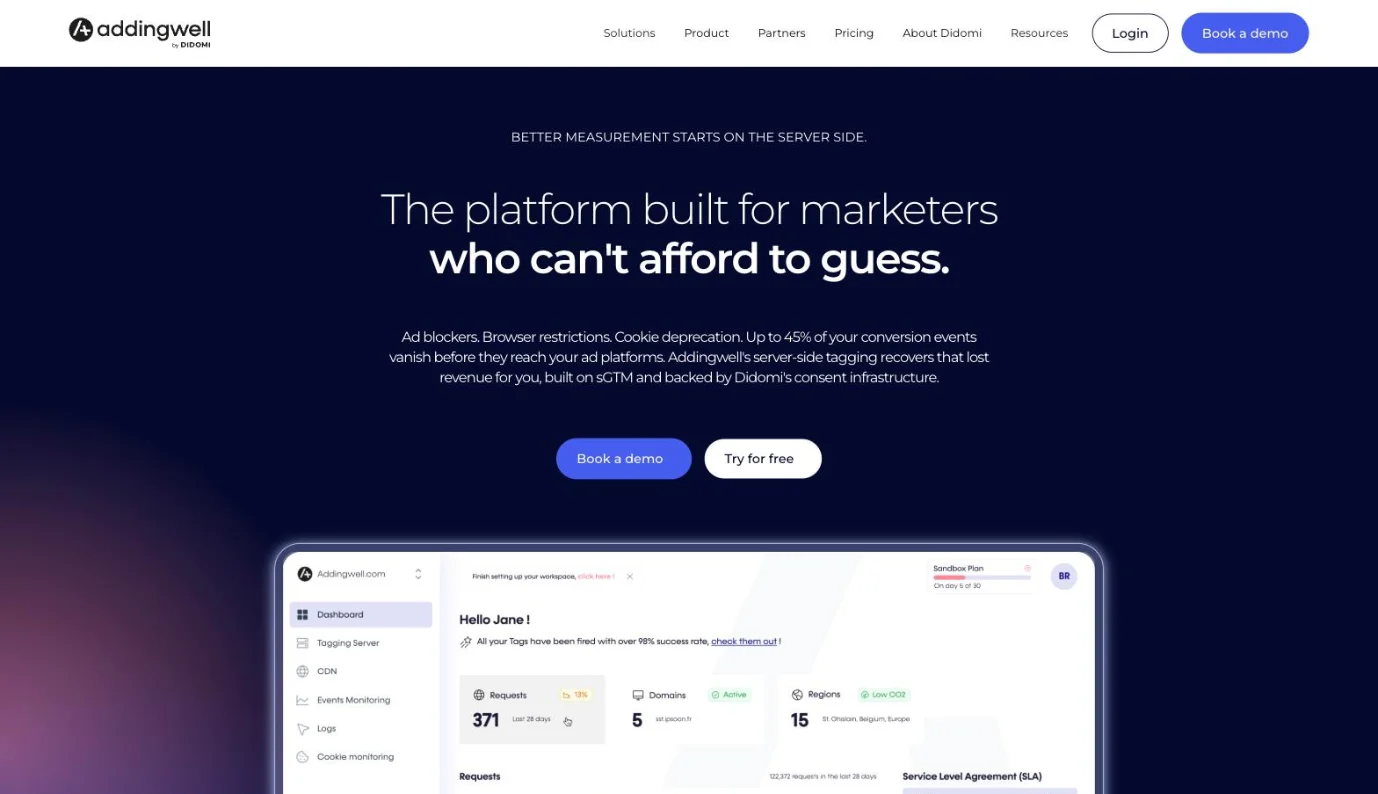
Addingwell homepage presenting its server-side tagging platform with tag monitoring

Addingwell is a French host for server-side GTM, part of the consent-management company Didomi since 2025. Moving here from Stape keeps the server-side GTM container, so the tags, triggers and dedup logic come along and stay with whoever built them.

The difference is what Addingwell watches inside the container: tag errors, volume drops, duplicates and the consent state of each request.

Key features

▪Managed sGTM hosting. One region on the free plan, multi-region with region resilience and a premium SLA on Pay as you go.
▪Tag Health. Per-tag success and error rates, real-time email alerts for volume drops and duplicated events, one-click error logs, and the share of events carrying an email or phone number.
▪Consent monitoring. Consent Mode v2 in basic and advanced mode, guides for Didomi, Cookiebot and Axeptio, and the consent status of each request.
▪Cookie Restore and reverse-proxy DNS. Both on the paid plan, together with cookie and data monitoring.
▪Margin as the conversion value. Margin replaces revenue in Google Ads and goes to Meta as net_revenue.
▪Destinations. Google Ads (enhanced conversions only with ad_storage and ad_user_data granted), Meta CAPI, Microsoft UET, TikTok, Snapchat, Pinterest, LinkedIn, X, OpenAI and affiliate networks.

Strengths

Alerts when tracking breaks. Failed tags, volume drops and duplicated events trigger an email.
Consent you can audit. A DPO can check which tags fired under which consent state, request by request.
Monitoring on the free plan. Tag Health and logs come with the free 100,000 requests.

Limitations

The container still needs building. Every tag, trigger and consent setting is configured in GTM by your team or a partner.
One shop app. Shopify is the only store platform with a ready-made app.
No attribution or profit reporting. Margin goes to the platforms as a value, and no report shows which campaign earned it.
No budget moves. Budget changes stay manual in each ad account.

Pricing

The free plan covers 100,000 requests a month in one region, with Tag Health and logs. Pay as you go starts at €90/month including 2,000,000 requests, and extra requests are billed at the end of the cycle; one custom domain is included, with each extra at €10. Enterprise is quoted and adds a dedicated account manager and invoice billing.

Reviews

Addingwell scores 4.8 on Trustpilot (72 reviews) and 5.0 on the Shopify App Store (8). Reviewers name the support staff who helped them and describe an easy implementation and reliable data. No complaint comes up more than once.

Bottom line

Addingwell suits teams that want to keep server-side GTM and see, tag by tag, when something fails and which consent applied, while what a conversion earned once it reached Meta or Google is outside its scope.

Elevar

★4.8

Best for: Shopify brands that want a ready-made data layer and a server-side pipeline run for them, priced by monthly orders.
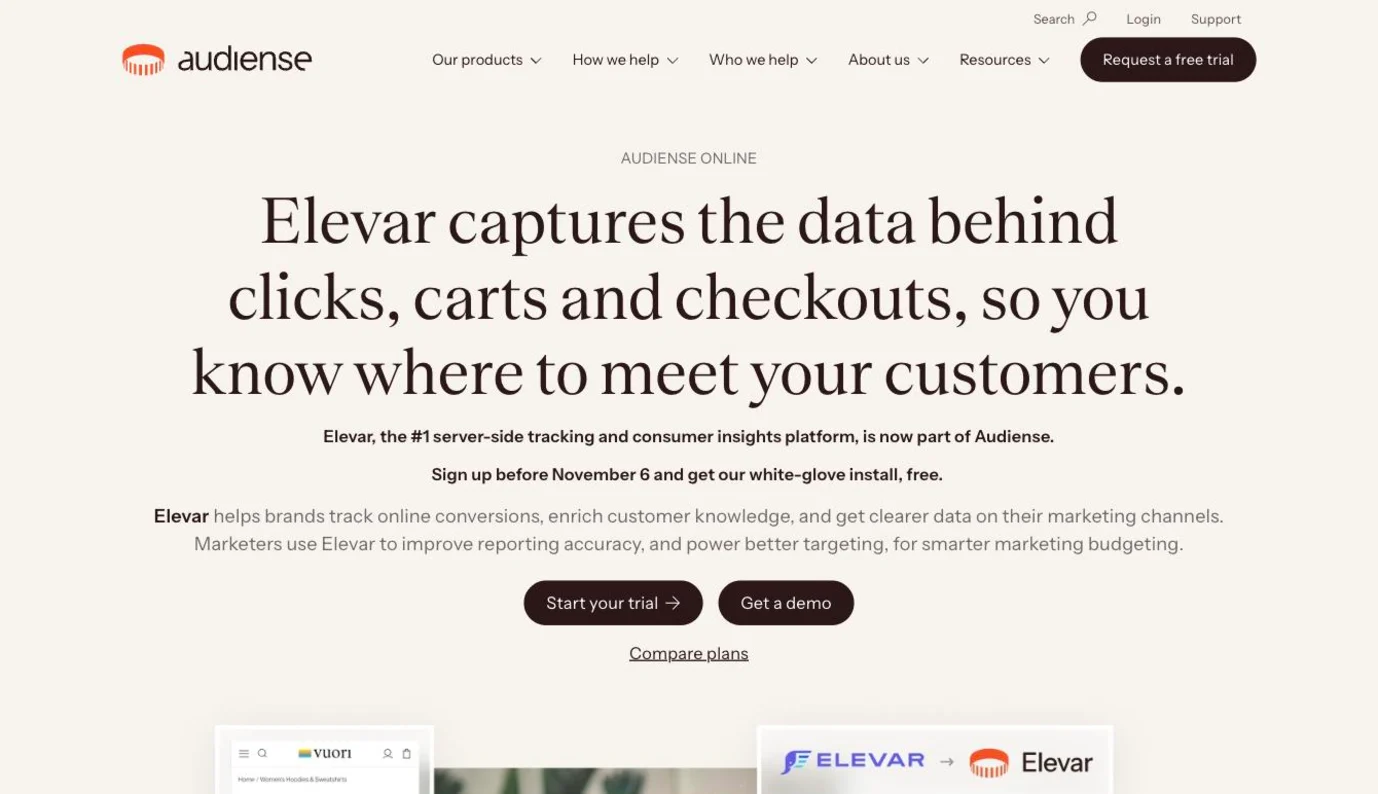
Elevar (Audiense Online) page presenting its server-side conversion tracking for Shopify brands

Elevar, now sold as Audiense Online (Elevar), is a Shopify app with its own data layer and a hosted server-side pipeline on Google Cloud. It doesn't need a server-side GTM container: setup can run with or without GTM, and the pipeline sends each event to the chosen destinations.

In a Stape vs Elevar choice, the difference comes down to who runs the pipeline and what the bill counts. With Stape, the brand configures a container and pays by requests; with Elevar, the vendor runs the pipeline and the bill follows orders.

Key features

▪Data layer and event pipeline. On every plan, with identity resolution, privacy tools, monitoring and alerts.
▪Session Enrichment. A one-year server-set cookie, with identifiers stitched across sessions.
▪Destinations. Meta CAPI, Google Ads with enhanced conversions, GA4, TikTok, Snapchat, Pinterest, Microsoft, Klaviyo, LinkedIn, Reddit, affiliate networks and BigQuery.
▪Channel accuracy report. Shopify orders compared with the orders each destination accepted, with event_id dedup and email alerts.
▪Consent Mode. Read through Shopify's Customer Privacy API, with Cookiebot, OneTrust, Pandectes, Consentmo, CookieYes and Usercentrics supported.
▪Profit optimization. From Advanced, profit goes out as the conversion value, together with pLTV and global markets.

Strengths

No container to configure. The data layer and pipeline come with the app.
Delivery checked against orders. The accuracy report shows how many Shopify orders each destination actually received.
Installation available as a service. An optional expert install takes the setup off the team.

Limitations

No attribution of its own. Elevar monitors delivery, and channel credit is left to the ad platforms and GA4.
Profit only as a conversion value, from $650/month. No report shows profit by campaign or product.
No budget moves. Budget changes happen by hand in each ad account.
Shopify first. Other store platforms connect through the API from Advanced, and Elevar can't run on a brand's own servers.

Pricing

Base is $0 for 100 orders a month, with $0.75 per extra order and two destinations. Core costs $225/month for 2,000 orders ($0.50 overage), Advanced $650 for 10,000 ($0.15), Premium $1,250 for 30,000 ($0.10), and Elite is priced by volume above 30,000. Overage per order falls on each higher plan. Paid plans come with a 15-day trial. The optional expert install is $1,000 one-off, and a headless install is $4,500.

Reviews

Elevar scores 4.8 on the Shopify App Store (170 reviews). Reviewers praise hands-on onboarding and tracking that was right from day one. Critical reviews describe complex setups that needed the paid install, unresponsive support and billing after uninstalling.

Bottom line

Elevar suits Shopify brands that would rather pay per order than maintain a container, and want delivery checked against their own orders. It feeds the ad platforms and GA4, and judging which campaign made money stays with them.

Tracklution

★4.6

Best for: stores on Shopify, WooCommerce, BigCommerce or a custom site that want server-side conversions through no-code connectors, billed by events.
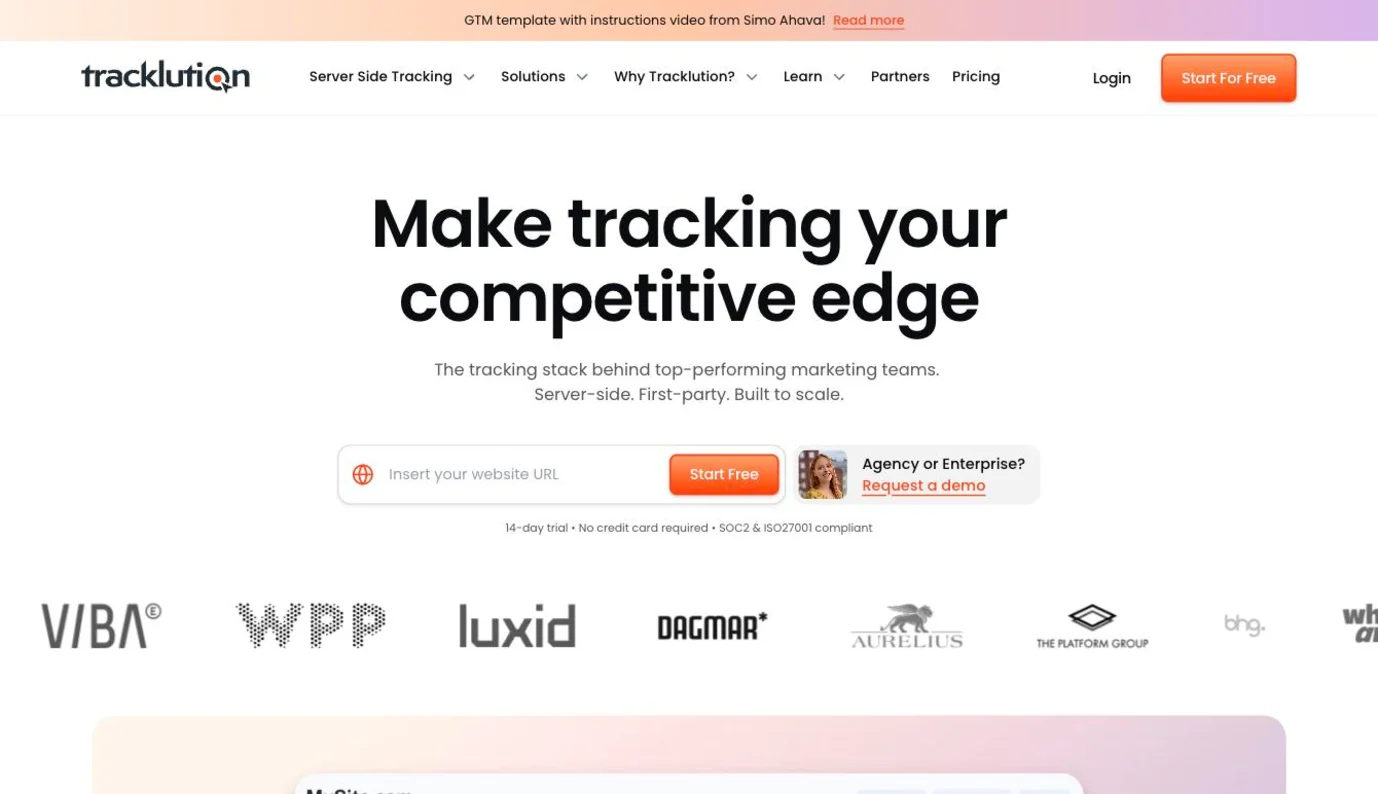
Tracklution homepage presenting its server-side, first-party tracking without GTM

Tracklution is a Finnish server-side pipeline. There's no server-side GTM container: a first-party script and webhooks collect events, and connectors deliver them to each platform's API, with data hosted on AWS in Stockholm.

On Shopify it runs as a custom pixel plus an order webhook, WooCommerce gets a plugin, and other sites install it through GTM or by hand. In a Tracklution vs Stape comparison, the container and its tags drop out, and billing moves from requests to events.

Key features

▪Conversion API connectors. Google Ads with enhanced conversions built in, Meta, TikTok, Pinterest, Snapchat, Microsoft, LinkedIn, Reddit, GA4 and Klaviyo, deduplicated automatically.
▪First-party mode. Collection on a CNAME subdomain of the store's own domain.
▪Consent Mode v2. Basic and advanced modes.
▪Event-level debugging. The delivery status of each event per destination.
▪Attribution engine. First and last paid click labels on conversions in the Tracklution dashboard.

Strengths

No tags to maintain. Destinations are switched on as connectors, with no container in between.
More than one store platform. Shopify, WooCommerce, BigCommerce and custom sites are all covered.
EU hosting. Data sits on AWS in Stockholm.

Limitations

Labels in place of attribution. First and last paid click tag conversions in the dashboard and don't replace the platforms' own attribution.
No profit reporting. Profit values can come in through webhooks, but nothing shows margin by campaign or product.
No budget moves. Budgets are changed by hand in each ad account.
Consent defaults to granted. If the banner sets no default, Tracklution treats visitors as consented.

Pricing

The free plan covers 5,000 events a month on one website, with Meta and Google Ads connectors, 3-month retention and MCP access. Grow is €39.20/month billed annually (annual billing saves 20%) for 50,000 events, then €0.0008 per extra event, and adds all connectors, offline conversions, event automations, the attribution engine and 12-month retention; the 14-day trial needs no card. Enterprise and agency plans are quoted; Enterprise starts at 3 million events and includes SOC 2 and ISO 27001.

Reviews

Tracklution scores 4.6 on Trustpilot (27 reviews) and 5.0 on G2 (8). Reviewers point to support that answers at weekends, an easy setup, accurate data and a clean dashboard. Complaints are rare and mostly about the learning curve of the first setup.

Bottom line

Tracklution suits stores on any platform that want conversions reaching the ad platforms through connectors instead of a container, priced by events. Judging which campaign earned its spend is left to another tool.

Triple Whale

★4.5

Best for: Shopify brands that want analytics on their own pixel, with an AI agent, Moby, that answers questions on store and ad data and can change Meta and Google budgets.
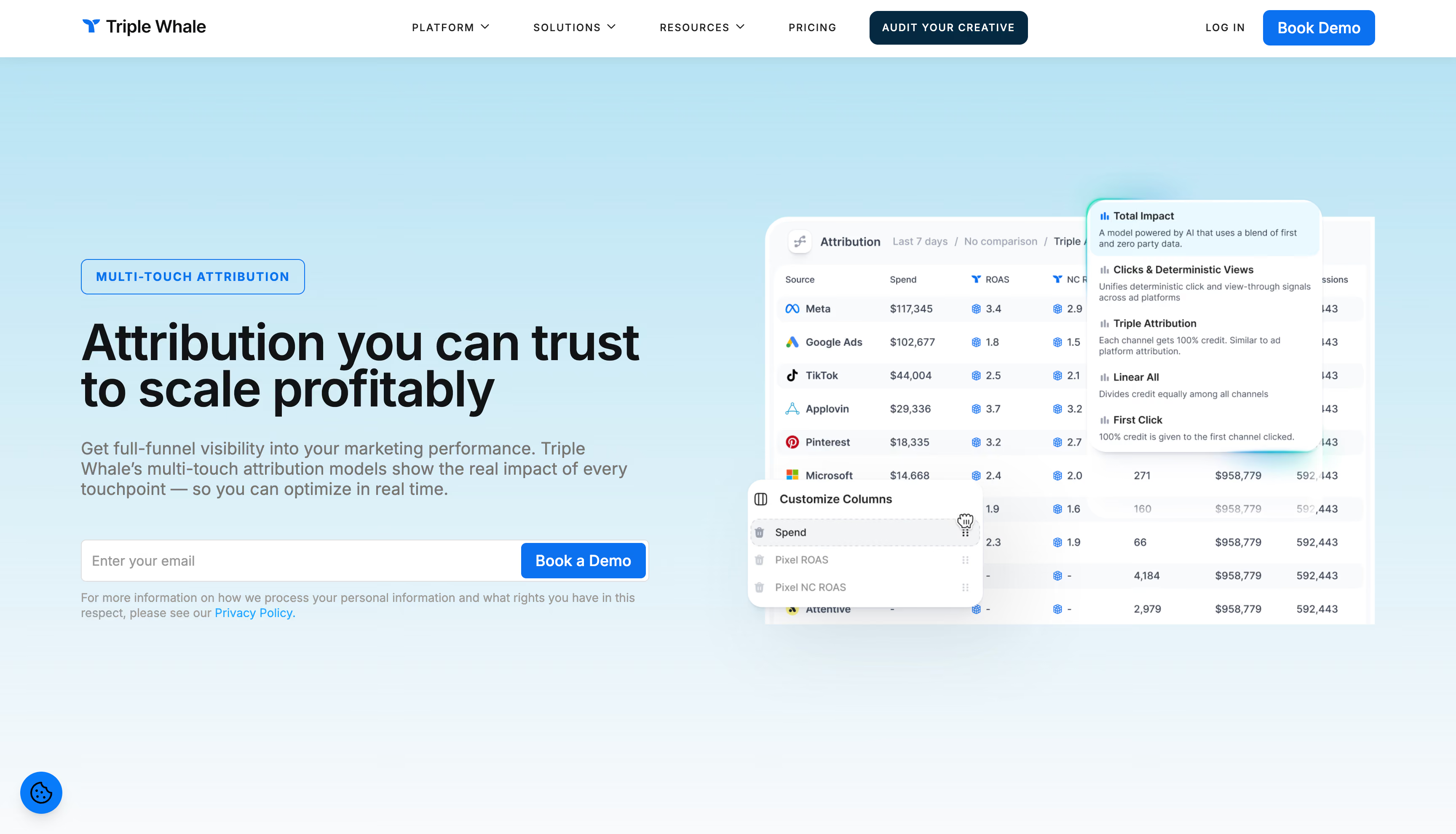
Triple Whale homepage presenting its ecommerce dashboard and Moby AI agents for Shopify brands

Triple Whale is an analytics and attribution suite built around Shopify, and it doesn't use a server-side GTM container. Triple Pixel installs as a Shopify app block and Web Pixel, and Triple Whale advises against installing it through GTM.

Against Stape it adds what starts after an event is delivered: attribution models, MMM, Net Profit and budget actions.

Key features

▪Triple Pixel. First-party tracking that links sessions into an identity graph from cookies, device signals and shopper emails.
▪Multiple attribution models. Total Impact, Triple Attribution, linear, first click, last click and more, with windows of 1, 7, 14 or 28 days or lifetime.
▪Sonar Optimize. Enriched conversion events to Meta, Google, TikTok, Pinterest, Snapchat, Reddit, X, AppLovin, Realize and ChatGPT Ads, plus order profit to Meta and Google.
▪Compass. Attribution, MMM and GeoLift holdout tests calibrated against each other.
▪Moby AI and Moby Actions. Answers on live store and ad data. From Automate, it raises or cuts Meta and Google budgets and pauses ads, per approval or within rules.
▪Profit metrics. COGS from Shopify, shipping per country, payment fees and custom expenses feed Net Profit and a store-level POAS.

Strengths

Conversions sent back to ten ad platforms. Sonar Optimize comes with every new paid package.
Budget actions on Meta and Google. Moby Actions changes budgets and pauses ads on both.
MMM and lift tests next to attribution. Compass is included on Enterprise.

Limitations

No contribution margin by campaign or SKU. Profit stops at Net Profit and POAS for the whole store, without CM2 or CM3 per campaign or product.
US hosting. Customer data is stored in Google's US data centers.
Deduplication varies by destination. The dedup key isn't applied automatically on every Sonar Optimize integration.
Add-ons below Enterprise. MMM, incrementality and data warehouse export cost extra on Foundation and Automate.
Shopify first. Sonar on WooCommerce and BigCommerce is in beta and needs developer work.

Pricing

Triple Whale publishes no prices. Foundation, Automate and Enterprise are priced on annual GMV and the package chosen, and paid plans are 12-month subscriptions, paid monthly or annually with two months free. The Free plan has 10 users, 12 months of data and first- and last-click attribution, and there's no free trial.

Reviews

Triple Whale scores 4.5 on G2 (482 reviews). Reviewers like having their data in one place, Moby and the onboarding reps. Complaints cluster around billing and contract terms, slower support after onboarding, attribution accuracy and AI credit limits.

Bottom line

Triple Whale suits Shopify brands that want an AI agent and MMM in the same app as their pixel and attribution, with budget actions on Meta and Google. Profit ends at store level, and customer data is hosted in the US.
Compare to Admetrics →

Littledata

★4.8

Best for: Shopify stores that want GA4 and ad-platform conversions to match their orders, from an app with no GTM involved.
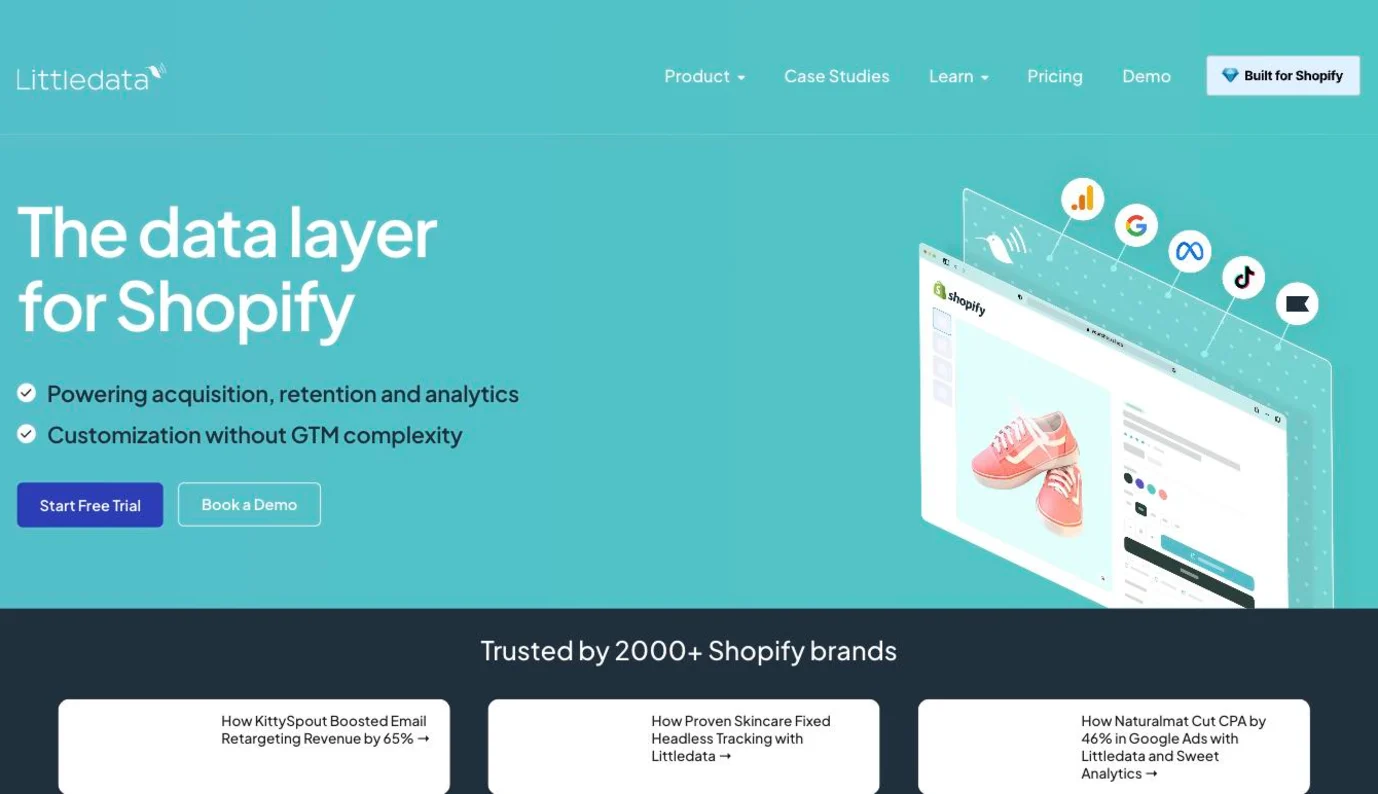
Littledata homepage presenting its server-side data layer for Shopify stores

Littledata is a Shopify-only app. It sends events server-side from Shopify's order data to GA4 and the ad platforms. It doesn't need a server-side GTM container, or GTM at all: the setup is an app embed plus webhooks, and headless Shopify stores are supported.

Data is hosted on AWS in US-East-1 and stays in the US.

Key features

▪Server-side destinations on every plan. GA4, Meta, Google Ads, Microsoft Ads, Pinterest, TikTok, Klaviyo, Attentive, Recharge and Segment.
▪Persistent ID. Recognizes returning shoppers for up to a year.
▪Profit Signal (beta). Sends gross profit with the order to Google Ads and Meta.
▪Consent through Shopify. Reads the Customer Privacy API, works with Shopify's banner, Pandectes, Consentmo and OneTrust, and consent mode is switched on per destination.
▪Data-quality checks. Bot protection, a status page and a one-off MonitorAI audit (beta).

Strengths

No GTM at all. The app reads Shopify directly, with no web or server container to manage.
Retention tools on every plan. Klaviyo, Attentive, Recharge and Segment sit next to the ad platforms as destinations.
Pay-per-order option. Flex charges per order with no monthly minimum.

Limitations

Shopify only. No other store platform is supported.
US-only hosting. Data stays in AWS US-East-1.
No reports of its own. There's no attribution or profit view in the app, and channel credit is left to GA4 and the ad platforms.
Profit is in beta. Profit Signal covers Google Ads and Meta, and nothing reports margin by campaign.
No budget moves. Budgets are changed by hand in each ad account.
Known tracking gaps. Orders with more than 200 products are incomplete, and server events carry no landing page.

Pricing

Flex is $0.35 per order with no monthly minimum. Billed annually, Scale starts at $159/month for 1,500 orders, with $0.15 per extra order up to 3,000 and $0.06 after that, and Plus starts at $792/month for 10,000 orders. Monthly billing on the Shopify App Store is $199 for Scale and $990 for Plus. Every plan has a 30-day trial, capped at 500, 10,000 and 20,000 orders by plan.

Reviews

Littledata scores 4.8 on the Shopify App Store (144 reviews) and 4.7 on G2 (58). Reviewers mention an easy install, data that matches GA4 and Meta and quick chat support, and critics point to price jumps at order thresholds, a learning curve and, in 1-star reviews, support that dismissed tracking problems.

Bottom line

Littledata suits Shopify stores that want GA4 and ad-platform data fed from their orders without touching GTM. It stops at delivery, on US hosting, with no reports of its own.

Server-side GTM on Google Cloud

★4.6

Best for: teams with their own engineers who want full control over the server container and will host, monitor and pay for it in Google Cloud.
Google Tag Manager server-side tagging page comparing client-side and server-side tagging

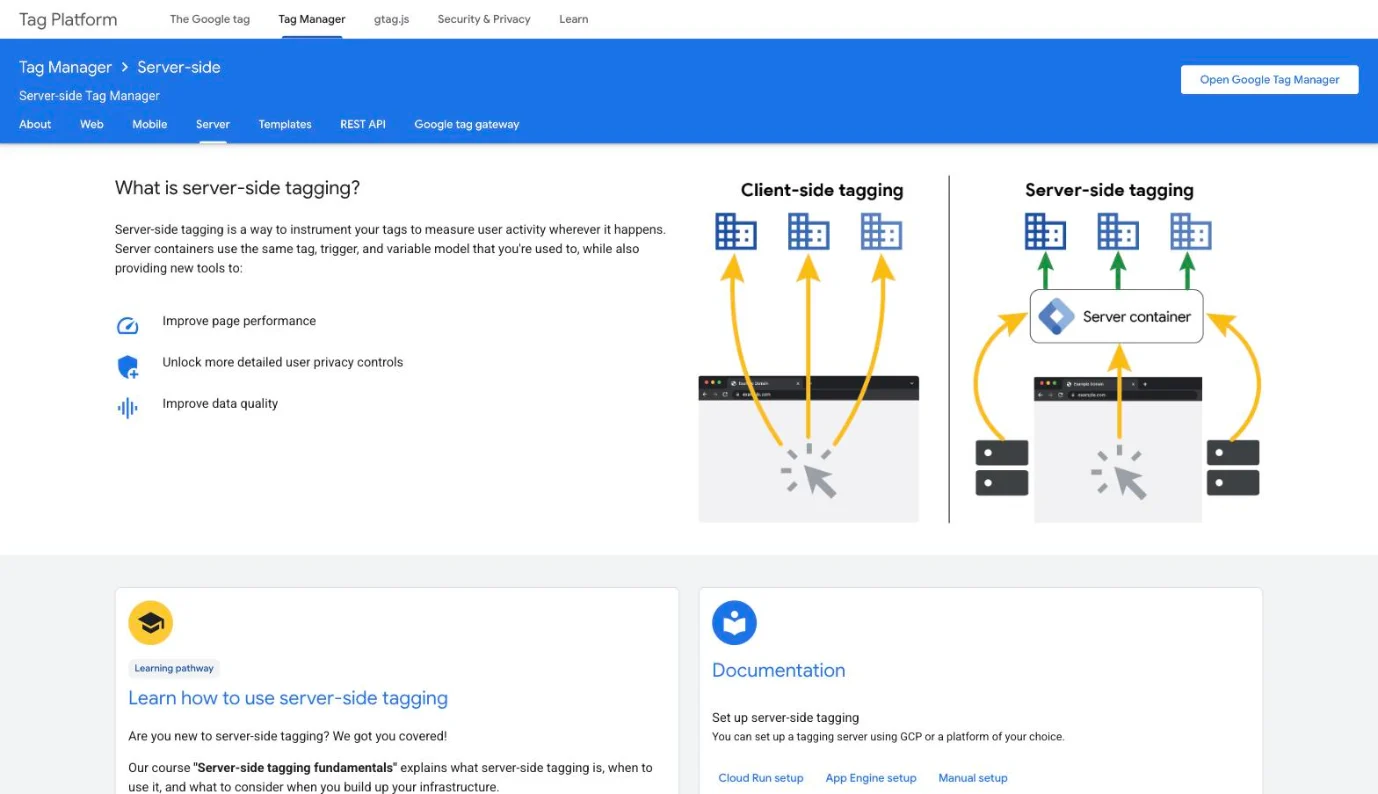
Self-hosting is the "Stape vs Google Cloud" route: the same server-side GTM container Stape runs for you, deployed on Cloud Run in your own Google Cloud project. It still needs a server-side GTM container, and nobody hosts it for you. Tags, triggers, event_id dedup against the browser pixel and consent passing stay with your team or agency, as on Stape, and the servers and their uptime become yours too.

Key features

▪Server container on Cloud Run. Deployed in your own GCP project. The auto-provisioned setup is meant for testing; production runs on at least two instances.
▪Google tags built in. GA4, Google Ads conversions with enhanced conversions from user_data, remarketing and Floodlight work without third-party templates.
▪Same-origin custom domain. A subdomain on the store's own domain makes the container first-party and lets it set HttpOnly cookies from the server.
▪Consent-aware Google tags. Google's server tags follow Consent Mode signals, which needs a Consent Mode-compatible CMP on the site.
▪Templates for other destinations. Meta CAPI, TikTok and other endpoints run on tag templates your team adds and keeps current.

Strengths

Full control over the data. Every tag, parameter and destination is set in your own cloud project.
No hosting fee on top of Google. Tag Manager is free, and the only bill comes from Google Cloud.

Limitations

You host, monitor and fix it. Tag Manager adds no monitoring or alerts of its own; those are set up in Google Cloud, and Preview mode is the debugging tool inside GTM.
The same build work as on Stape. Tags, triggers, dedup and consent passing are still configured and maintained in GTM.
No attribution or reporting. Which campaign drove an order is left to each ad platform, where Meta and Google credit purchases to themselves.
No profit layer. There's no margin or POAS reporting, and any profit value in a conversion has to be built by your team.
No budget moves. Budgets change by hand in each ad account.

Pricing

Tag Manager is free, and the server container is billed to your GCP account. Google's own guidance puts a Cloud Run instance at about $45–50 a month, and production needs at least two. Egress, logging (significant above 1 million requests a month unless excluded) and a load balancer for multi-region or same-origin setups come on top of that.

Reviews

Google Tag Manager holds 4.6 on G2 (443 reviews), a score for Tag Manager as a whole. Reviewers like the price and one place for all tags; the complaints are a steep learning curve and a server-side setup that's much harder than web GTM, with weaker documentation and a hosting bill.

Bottom line

Self-hosted sGTM suits teams with engineers who want the container in their own cloud and are happy to run it. It stops at delivery: no attribution, profit reporting or budget moves, and every tag stays your team's job.

JENTIS

★5.0

Best for: larger organizations that want an EU server-side tag manager in place of GTM, run on managed EU infrastructure.
JENTIS homepage presenting its managed server-side tracking platform

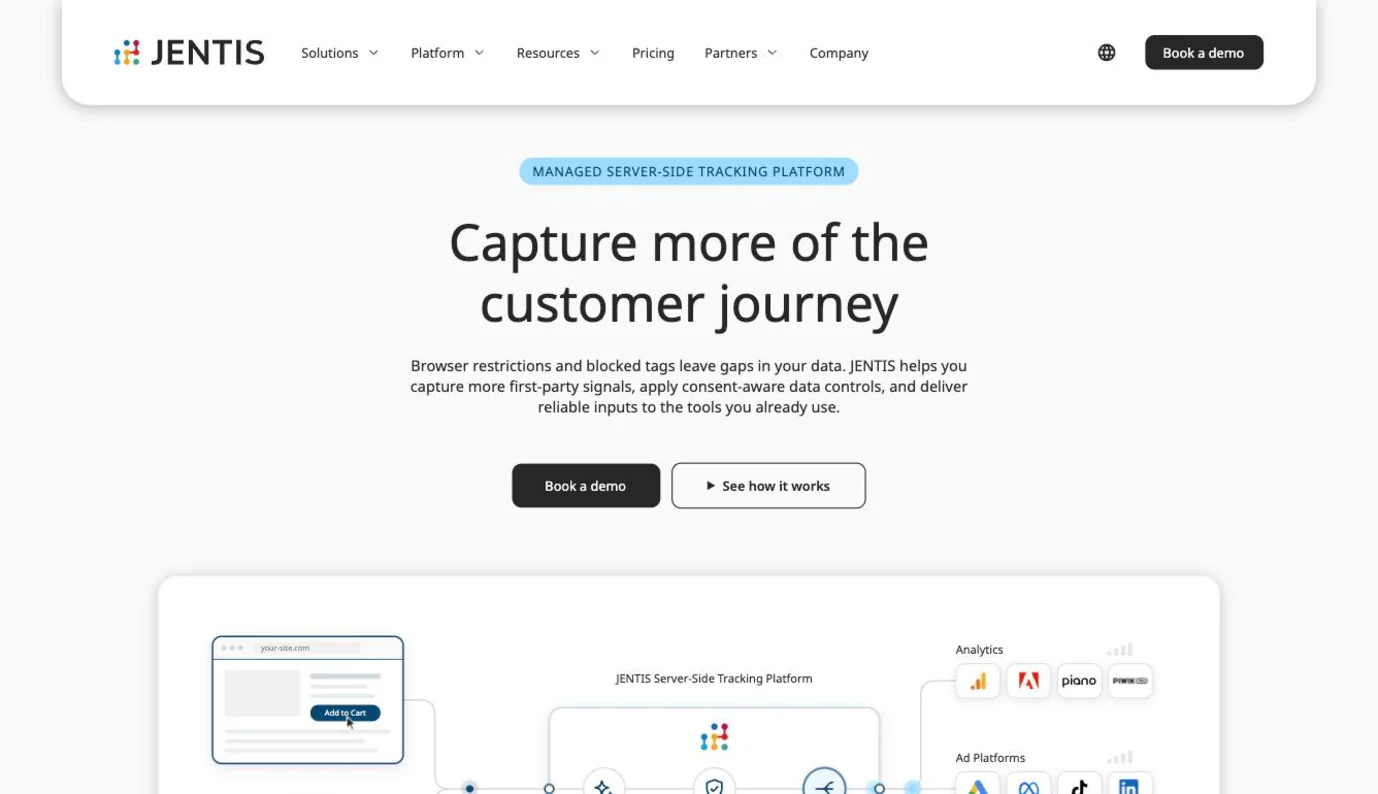
JENTIS is an Austrian-founded server-side tracking platform with its own tag manager. There's no server-side GTM container: JENTIS replaces GTM instead of hosting it, so leaving Stape for JENTIS means moving tags and triggers into a different tool. Core plans run on managed, auto-scaling EU-hosted infrastructure.

Shopify connects through a native plug-in, and other shop systems through a data layer.

Key features

▪Own server-side tag manager. Hybrid tag management across browser and server in one tool that takes GTM's place.
▪Essential Mode. Strictly necessary, anonymized data is still captured when a visitor declines consent, with the scope set by you and your DPO.
▪Consent Mode v2 and CMP sync. Consent from Usercentrics, OneTrust, Cookiebot, Didomi, Borlabs and others is synced and passed on with the ad_user_data and ad_personalization parameters.
▪100+ connectors. Google Ads, GA4, Meta CAPI, LinkedIn CAPI, TikTok, Pinterest, Microsoft Ads and Piano are on every plan, with unlimited destinations.
▪First-party tracking. A first-party domain, a cookie lifetime extender with a 13-month user ID cookie, ad-blocker recovery and real-time streaming.
▪Professional plan additions. AI Conversion Activation with synthetic users, data enrichment, raw data access, a mobile SDK and Cloud Choice between EU and US hosting.

Strengths

EU hosting by default. Managed EU infrastructure on Core, dedicated infrastructure on Enterprise.
Consent handling in one place. Essential Mode, CMP sync and Consent Mode v2 work together.
ISO 27001 certification.
Unlimited destinations on every plan.

Limitations

No reporting. JENTIS captures and forwards data; attribution, ROAS and channel reports come from the ad platforms or another tool.
No profit layer. There's no contribution margin or POAS reporting by campaign or product.
No budget moves. Budget changes happen by hand in each ad account.
A migration off GTM. Tags, triggers and destinations are rebuilt in JENTIS, and prices come only through sales.

Pricing

JENTIS publishes no prices. Core, Professional and Enterprise are quoted through sales: Core covers hybrid tag management, server-side tracking, Essential Mode and managed EU hosting, Professional adds AI Conversion Activation, enrichment, raw data access and Cloud Choice, and Enterprise adds SSO, an SLA and dedicated infrastructure.

Reviews

JENTIS holds 5.0 on G2 (2 reviews).

Bottom line

JENTIS suits larger organizations that want to swap GTM for an EU-built server-side tag manager with consent handling at its core. It stops once the data reaches the platforms, with no attribution, profit reporting or budget control, and moving over means rebuilding the tag setup in a new tool.

ProfitMetrics

★4.8

Best for: brands that want Google Ads and Meta to bid on gross profit per order, with a profit dashboard to match.
ProfitMetrics homepage presenting its profit and POAS reporting dashboard

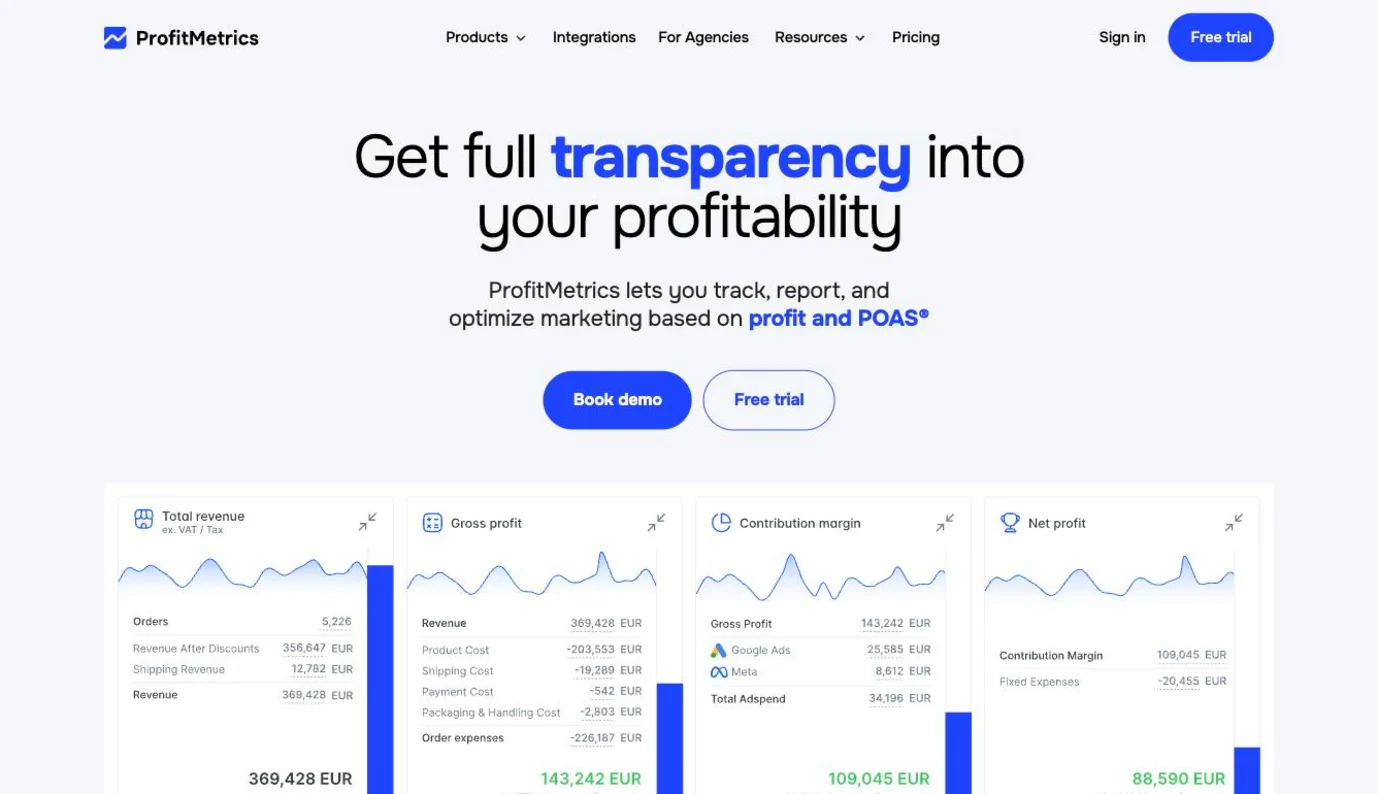
ProfitMetrics is a Danish profit-analytics and profit-bidding tool from Lyngby, and the owner of the POAS® trademark. It needs no server-side GTM container: server-side tracking, the Conversion Boosters and done-for-you setup come with every account. It connects to 20+ shop systems, among them Shopify, Shopware 6, WooCommerce and Magento.

Stape's POAS Data Feed swaps revenue for profit in the event and stops there. ProfitMetrics also reports profit, from revenue through contribution margin to net profit.

Key features

▪Conversion Booster for Google Ads. Server-to-server conversions with enhanced conversions, offline conversion import and Consent Mode, carrying profit and revenue per order for POAS® bidding.
▪Conversion Booster for Meta. Purchases sent server-to-server with profit and revenue, new and returning customer events, and 28-day lifetime profit.
▪Conversion Booster for OpenAI. Orders sent server-side with hashed first-party data.
▪Real-time Dashboard. Gross profit, contribution margin and net profit by channel and order, down to the hour, with MER and new-customer POAS®.
▪Shopping Booster. Products sorted by profitability into separate Shopping and PMax campaigns with their own bids and budgets.
▪Profit Attribution. A beta add-on with first-click, last-click, linear and position-based reports matched to backend orders.

Strengths

Profit bidding on Google Ads and Meta. Gross profit per order becomes the value both platforms bid on.
Profit reporting to net profit. Product costs, shipping, payment fees and an expense calendar feed the dashboard.
Done-for-you setup. Onboarding and a dedicated account manager are part of every account.

Limitations

Bidding runs on gross profit. The value sent to Google and Meta is gross profit per order, while contribution margin stays in the dashboard.
The platforms still credit themselves. Google and Meta attribute the profit they receive under their own rules, and the cross-channel view is a rule-based beta add-on with no data-driven model or MMM.
No Conversion Booster for TikTok. Profit values reach Google Ads and Meta only.
No budget management. Moving budget between campaigns and channels stays manual.
Data can leave the EU. The privacy policy allows transfers outside the EU/EEA under the EU-U.S. Data Privacy Framework or SCCs.

Pricing

Pricing is usage-based per website and follows the store's seasonality; every account gets all features, with a 14-day free trial and no card. The Shopify app costs $32 a month per store plus a per-order fee that drops above 5,000 orders a month: $0.1219, then $0.0139, on ProfitMetrics' app pricing page, and $0.1417, then $0.0185, on the Shopify App Store listing.

Reviews

ProfitMetrics holds 4.8 on Trustpilot (52 reviews), 4.8 on the Shopify App Store (12) and 5.0 on Capterra (16). Reviewers point to support, onboarding and profit-based bidding, and complain that results depend on accurate cost inputs and per-order pricing is hard to forecast.

Bottom line

ProfitMetrics suits brands that want Google Ads and Meta to optimize toward gross profit. It stops at the bid: attribution is a beta add-on, each platform still credits itself, and budget moves between channels happen by hand.
Compare to Admetrics →

Analyzify

★4.6

Best for: Shopify brands that want their tracking setup, from data layer to pixels and GA4, built for them by a specialist team.
Analyzify homepage presenting its server-side tracking and analytics app for Shopify

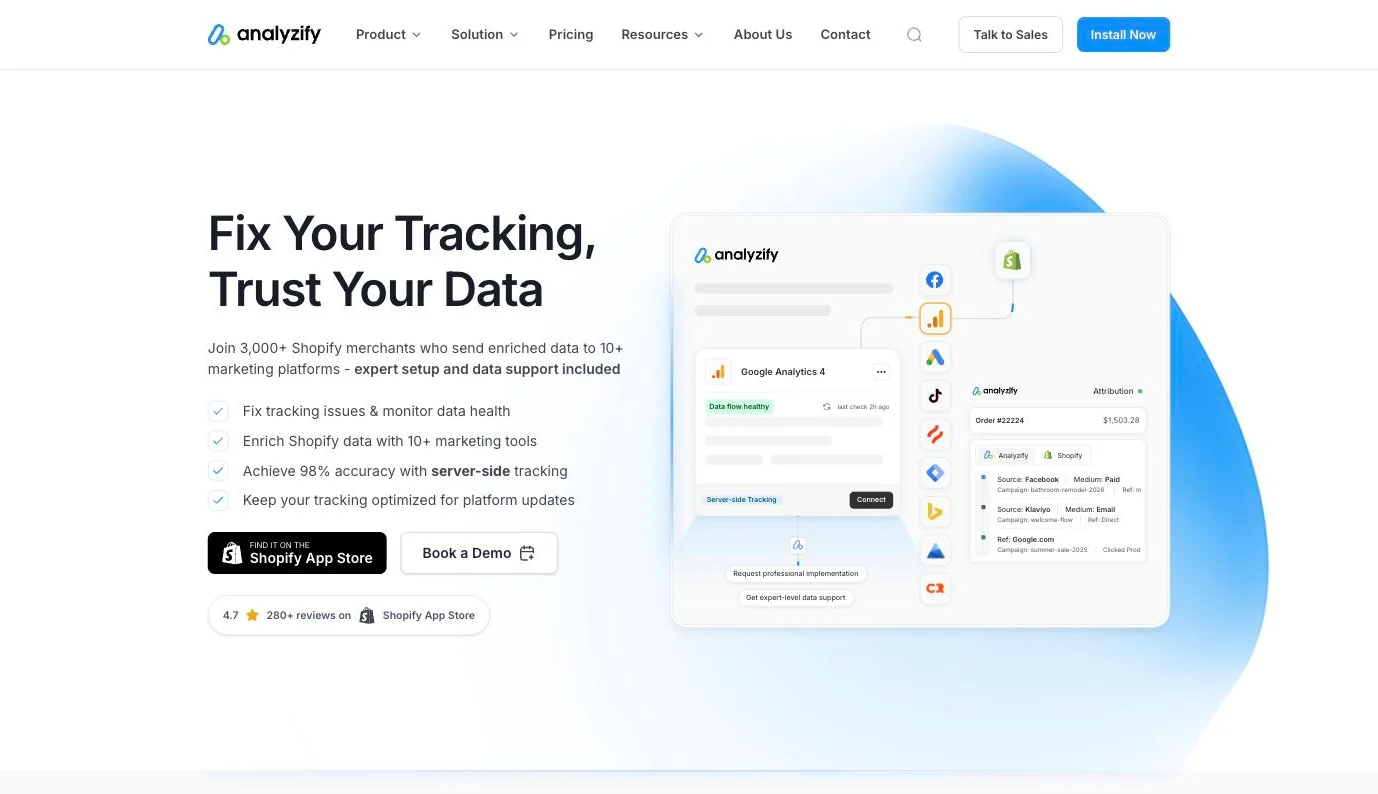
Analyzify is a Shopify app sold together with a setup service: a data layer, a unified pixel, server-side purchase tracking and purchase-level attribution reporting, installed by Analyzify's team. The core product needs no server-side GTM container. Purchases go server-side to GA4, Meta and TikTok, and other platforms get events through the unified pixel.

The setup is GTM-ready, and full server-side GTM is a paid add-on hosted on Stape ($1,490 one-off plus Stape hosting) or Google Cloud ($2,790 one-off plus GCP fees), which can put a brand that's leaving Stape right back on it.

Key features

▪Data layer and unified pixel. One setup feeds 10+ platforms, including Google Ads with enhanced conversions, Microsoft Ads (Bing), Pinterest and Snapchat.
▪Server-side purchases. Purchase data sent server-side to GA4, Meta and TikTok.
▪Refund, lead-form and COGS events. Returns and product cost travel alongside purchases.
▪Consent Mode v2. Events fire only with consent.
▪Purchase attribution. Order-level reporting of where each purchase came from. Plus adds campaign revenue, marketing dashboards across GA4, Google Ads, Meta, TikTok, Klaviyo and Search Console, segments and post-purchase surveys.
▪Professional implementation. Free on yearly plans, $295 on monthly ones.

Strengths

Done-for-you setup. Analyzify's team installs the data layer and pixels.
GA4 and ad pixels from one data layer. One event source for analytics and the ad platforms.
Two-year price guarantee.
Headless storefronts on Plus.

Limitations

Shopify only. Plus adds headless and custom storefronts.
Server-side covers purchases to three destinations. GA4, Meta and TikTok get server-side purchases; Google Ads and the rest get events through the unified pixel.
No budget moves. Budget changes happen by hand in each ad account.
sGTM and trial. Full server-side GTM costs extra, with hosting on top, and there's no free trial.

Pricing

Standard starts at $145 a month or $1,305 a year, with order tiers at 5,000, 10,000 and 20,000. Plus starts at $275 a month or $2,475 a year, with tiers at 50,000, 100,000 and 300,000 orders. Implementation is free on yearly plans and $295 on monthly ones, there's no free trial, and the sGTM add-on costs $1,490 via Stape or $2,790 via Google Cloud, plus hosting.

Reviews

Analyzify holds 4.6 on the Shopify App Store (285 reviews).

Bottom line

Analyzify suits Shopify brands that want GA4 and ad-platform tracking set up by a specialist team, with order-level purchase reporting. It stops before budget moves, and full server-side GTM is an extra purchase with hosting on top.

Reaktion

★4.7

Best for: brands that want plug-and-play server-side tracking with profit dashboards in the same tool, priced by monthly orders.
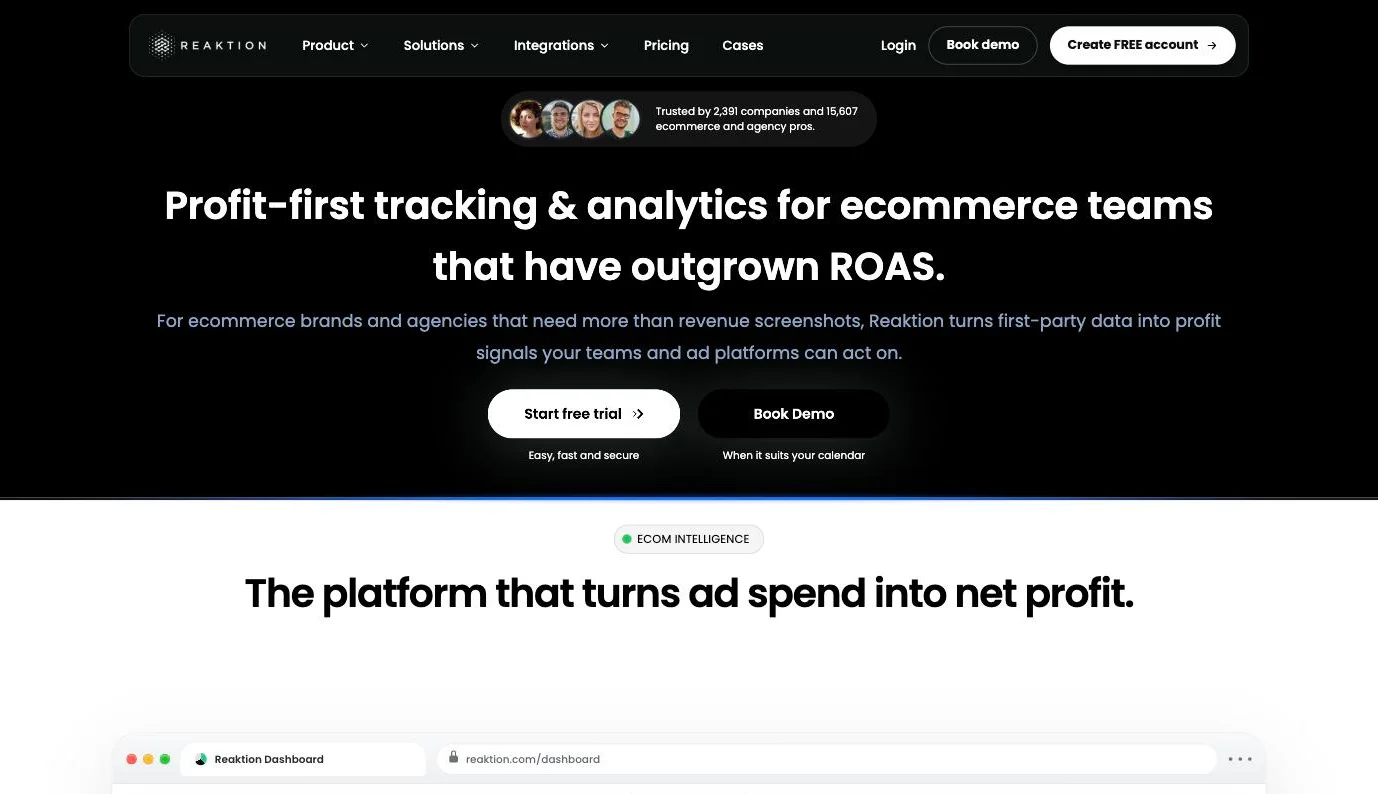
Reaktion homepage presenting its server-side tracking and profit analytics for ecommerce brands

Reaktion is a tracking and analytics platform from Reaktion ApS in Copenhagen, on the Shopify App Store since 2021. It needs no server-side GTM container and no GTM developer: one-click connections send first-party data to Google Ads, Meta, TikTok, Klaviyo, GA4, Snapchat and Pinterest. Data is stored in EU data centers in Stockholm and Frankfurt.

Where Stape stops at request volumes, Reaktion adds reporting: profit per SKU and variant, refund-adjusted revenue and CLV in real-time dashboards. It runs on Shopify (including Plus, Markets and headless), WooCommerce, Magento, BigCommerce, PrestaShop, Shopware, DanDomain and Norce.

Key features

▪One-click server-side connections. Google Ads, Meta, TikTok, Klaviyo, GA4, Snapchat and Pinterest, with Consent Mode v2 and a cookie extender.
▪Profit signals to Google and Meta. Profit, POAS, refund and margin values sent as conversion signals.
▪Profit reporting. Profit per SKU and variant, refund-adjusted revenue and CLV in Shopify, marketing, financial and Klaviyo dashboards.
▪UTM attribution. Orders credited by UTM parameters and traffic source.
▪Creative cockpit and Labelizer. A creative cockpit, plus Labelizer for Google Shopping.
▪Custom reports. A report builder and automated client reports.

Strengths

Tracking and profit reporting in one app. Server-side connections and profit dashboards come in the same app.
No GTM work. No GTM developer is needed to connect the ad platforms.
EU data hosting. Data centers in Stockholm and Frankfurt.
Broad shop platform support. Eight shop systems, including Shopware and DanDomain.

Limitations

Attribution is UTM-based. Orders are credited from UTM parameters and traffic source.
Billing by orders, with overage. Every plan has an order allowance and a per-order fee above it, and store limits of 3 on Evolve and 5 on Pro.

Pricing

On the Shopify App Store, billed in USD every 30 days: Starter $85 for 250 orders ($0.20 per extra order), Rise $169 for 1,000 ($0.18), Evolve $349 for 2,500 ($0.15, 3 stores) and Pro $549 for 5,000 ($0.12, 5 stores). The listing has a 10-day free trial, and Reaktion's own site offers a 30-day free trial with all modules and free onboarding.

Reviews

Reaktion holds 4.7 on the Shopify App Store (28 reviews). One reviewer finds the reporting restrictive at large data volumes and the custom reports inflexible.

Bottom line

Reaktion suits brands that want server-side tracking and SKU-level profit dashboards set up without GTM and billed by orders. Attribution comes from UTMs and traffic source rather than a multi-touch model.

Best Stape alternative for ecommerce: final verdict

Admetrics is the best Stape alternative for ecommerce brands that want tracking, attribution, contribution margin and budget moves on one set of order data. For a team leaving Stape, conversions still go to Meta, Google and TikTok server-to-server, matched to shop orders, while the server container, its tags and its request quota leave the setup. On top come attribution next to the platforms' own numbers, contribution margin per campaign and budget moves from the same data. Growth starts at $399/month, with a 21-day free trial and no card required.

Book a demo