Mission control
for e‑commerceFrom independent measurement to governed allocation. One closed loop, open to your entire stack.See how the system works →
Most Meta ads reporting tools repeat the purchases Meta counted for itself. We compared 12 on attribution, profit, server-side signals and what they do after the report.
Silvana Chirita·Updated October 27, 2026·32 min read
In most in-house teams, Meta ads reporting follows the same weekly routine. On Monday someone pulls last week's numbers out of Meta Ads Manager, as an export or through a connector that fills a Data Studio or dashboard template, and the report reaches the weekly meeting with spend, ROAS and the purchases Meta says it drove.
Then finance asks what Meta actually earned.
The report has no answer. Every purchase in it was counted by Meta, under Meta's own attribution setting, at full revenue before product cost, shipping and returns. After the meeting, a media buyer opens Ads Manager and moves budgets by hand, on numbers nobody in the room fully trusted.
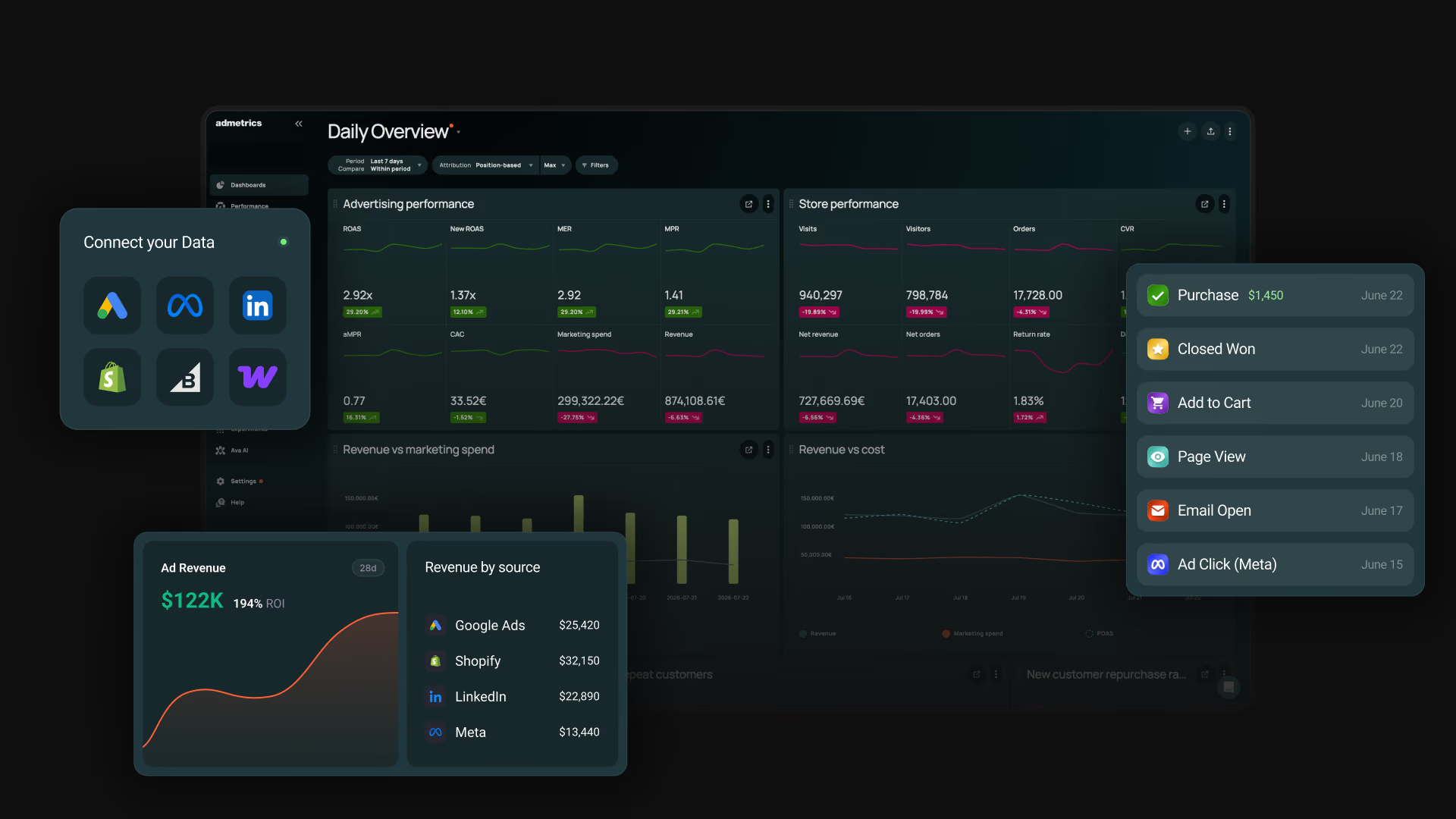
This list compares 12 Meta ads reporting tools on how far past the report they go: tracking, independent measurement, profit reporting, changes pushed back into Meta, and what the store does with the traffic. Admetrics is #1 because it reports Meta, optimizes Meta and shows how the store performs, all on the same numbers.
Key Takeaways
Admetrics is the best Meta ads reporting tool for brands that judge Meta on profit. It reports Meta campaigns, ads and creatives in CM2, CM3 and POAS on its own attribution, shows them as columns inside Ads Manager, moves budgets on them and adds product analytics for Meta traffic, from $399/month (S2S pushback is an add-on, Ad Pilot comes with Business).
Most Meta ads reporting tools repeat what Meta says about itself. Supermetrics, Databox and the Meta connectors for Data Studio report the purchases Meta credited to itself, which can include view-through and modeled conversions, at full revenue before product costs and returns. A campaign can look profitable in that report and still lose money.
Most tools don't automate budgets. They stop at the report or wait for someone to confirm each change. Admetrics' Ad Pilot moves Meta budget toward a CAC, POAS or new-customer ROAS target on its own, inside the max budgets you set.
Free setups cost time instead of money. Ads Manager and Data Studio are free, but Data Studio needs a third-party Meta connector, and neither knows your product costs or returns.
How we ranked the tools
We scored every tool on four criteria.
▪Attribution and tracking accuracy. Whether Meta is measured on first-party, order-matched data, or the tool passes on what Meta reported.
▪Data foundation. How deep the Meta data goes (down to ad and creative), how often it refreshes, which stores and platforms connect, and where the data is hosted.
▪Profit over revenue. Whether product cost, shipping, fees and returns reach Meta campaigns as contribution margin or POAS.
▪What happens after the report. Whether the tool sends conversions back to Meta and changes budgets or ad status, and with what controls.
Meta ads reporting tools compared
#
PLATFORM
ATTRIBUTION
PROFIT CONTROL
S2S PUSHBACK
ACTION
1
Admetrics
Multi-touch, models side by side + PRISMA MMM (add-on)
CM2, CM3, POAS to SKU, returns
Meta, Google, TikTok and more (add-on)
Budgets and ads on 4 platforms; Ad Pilot on Meta
2
Supermetrics
Meta-reported
No
Meta via Sheets add-on
AI write access (early access)
3
Klar
Own pixel, MTA, MMM, geo tests (attribution plan)
P&L to CM3 per SKU
No
No
4
Madgicx
No own model
Net profit (COGS)
Meta CAPI gateway ($49/mo add-on)
Meta automations, AI Marketer
5
Data Studio (formerly Looker Studio)
Via third-party connector
Calculated fields only
No
No
6
Lebesgue
Le Pixel, multiple models ($749 plan)
COGS profit; no CM
Meta CAPI (Le Pixel)
AI bid and budget recommendations
7
Funnel
MMM, MTA, incrementality (Measure add-on)
No
Meta CAPI uploads
No
8
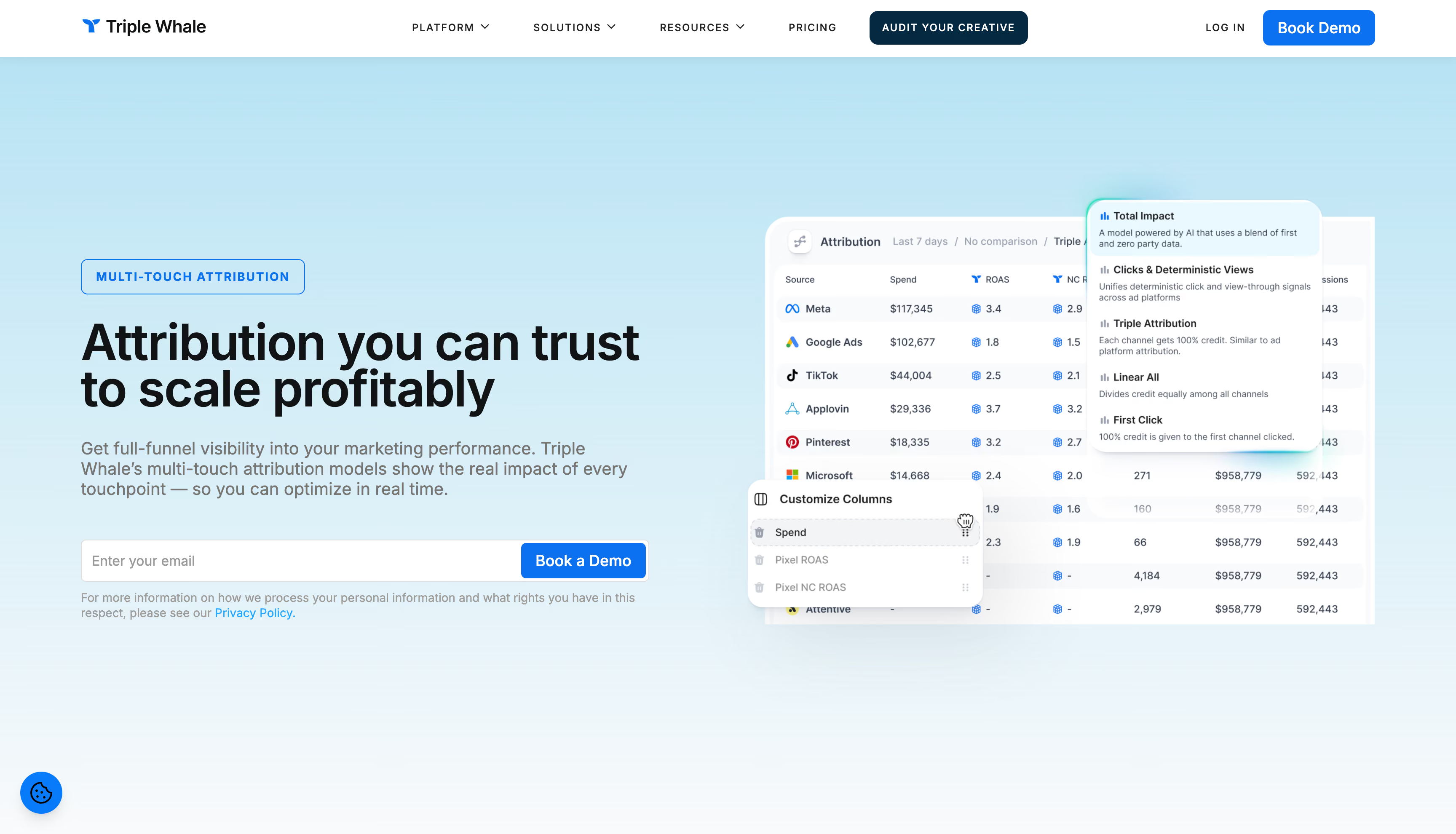
Triple Whale
Triple Pixel, multi-touch; MMM add-on
Net profit, POAS; no CM
Sonar, incl. profit to Meta
Moby Actions
9
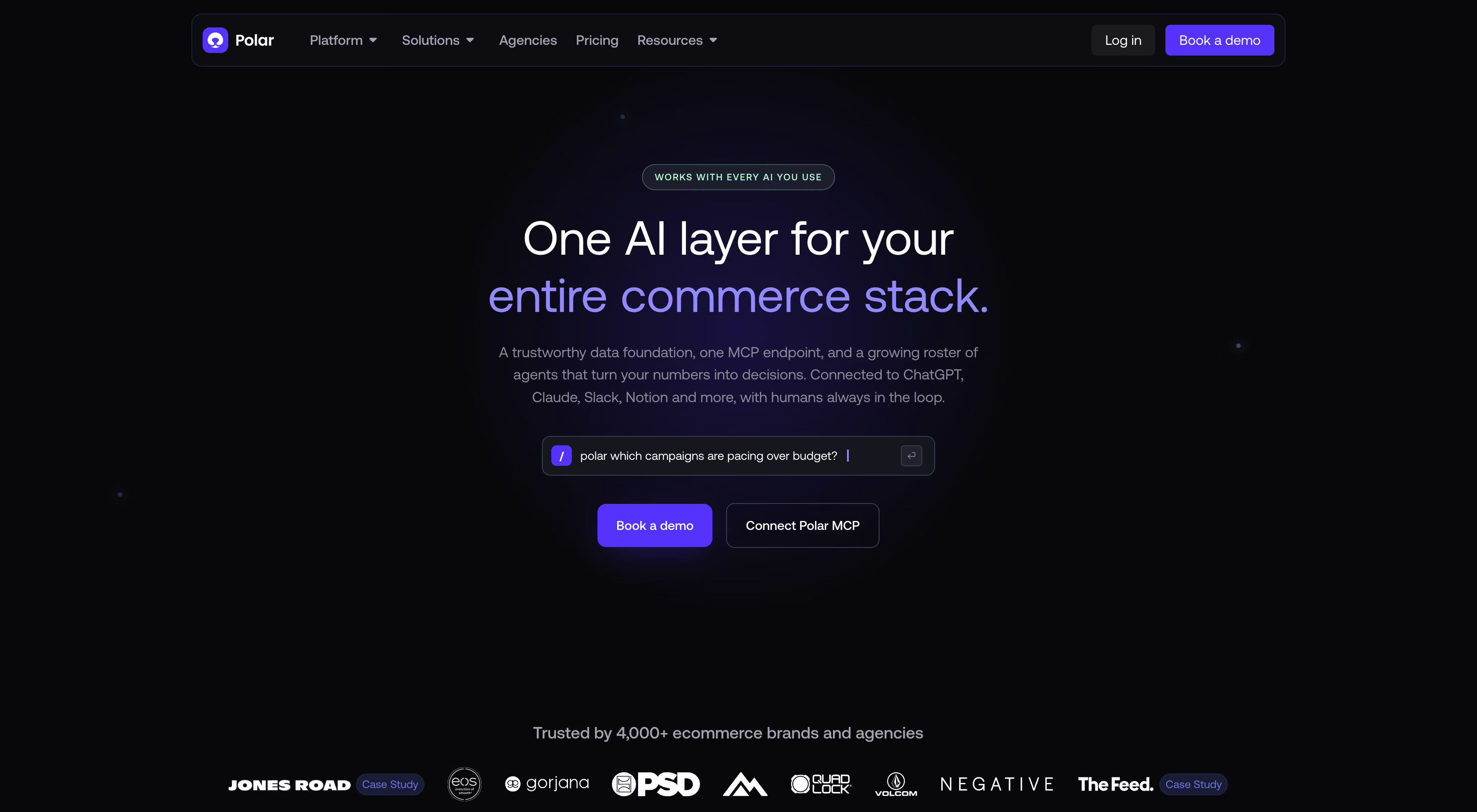
Polar Analytics
Polar Pixel, multi-touch, geo tests
CM built in; POAS as custom metric
Meta and Google
Operator, on approval
10
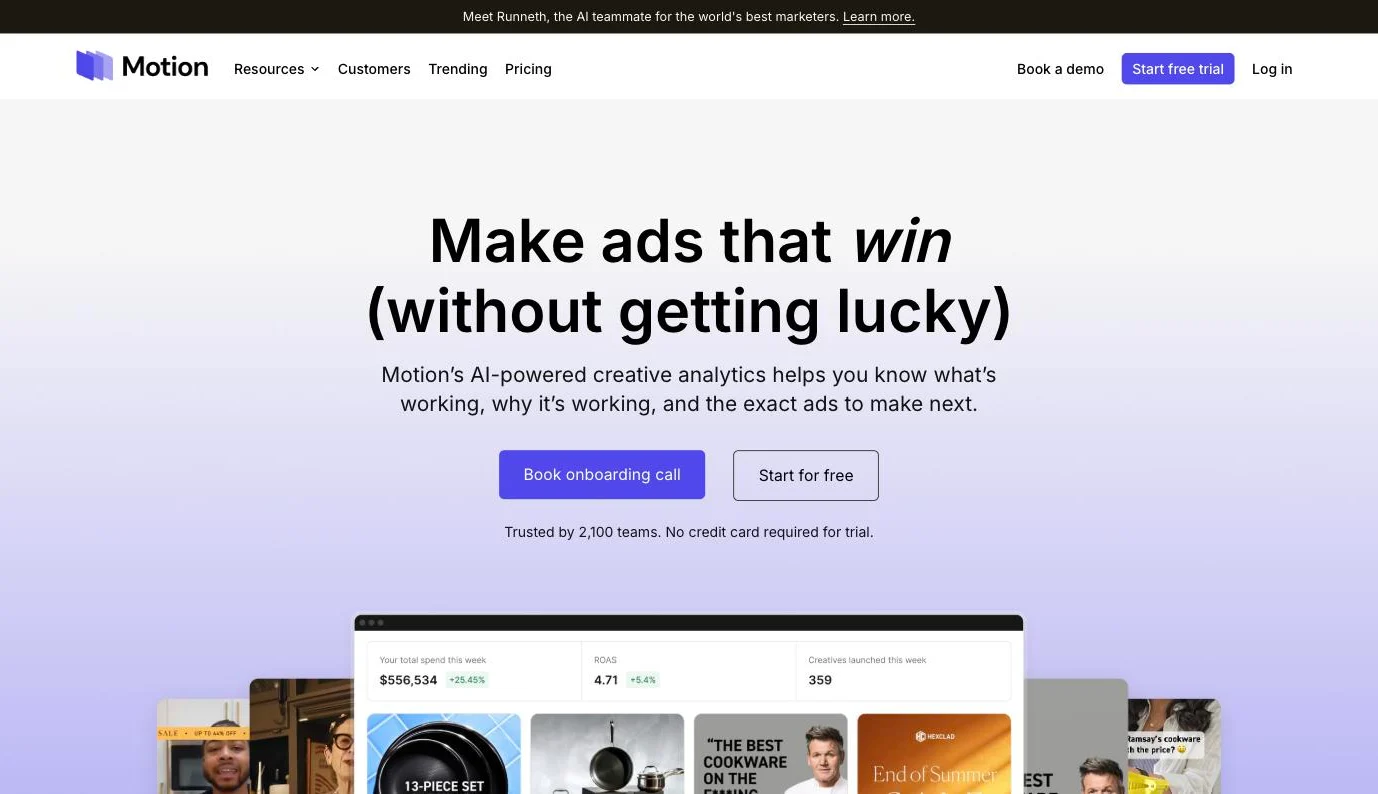
Motion
Meta-reported; Northbeam/GA4 import (Pro)
No
No
Runneth launches ads
11
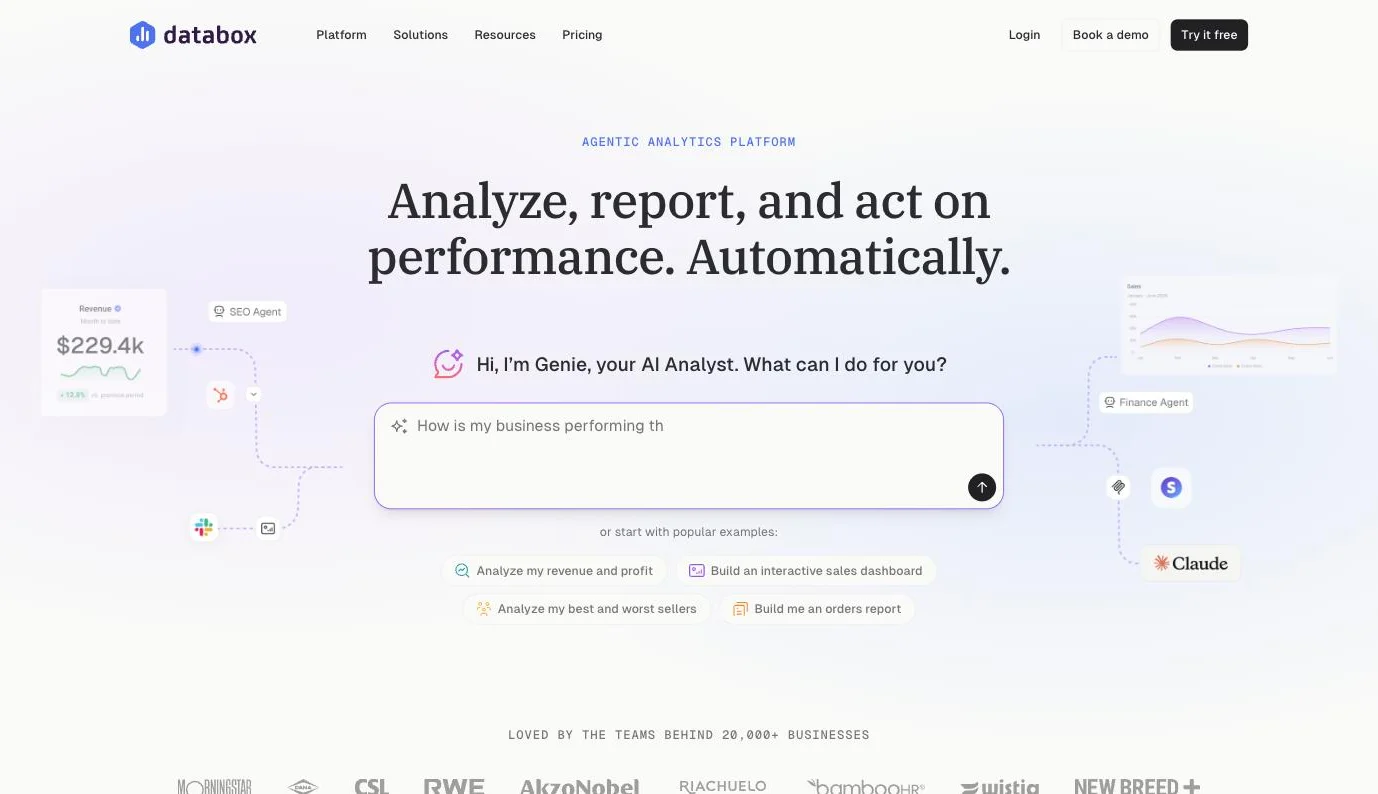
Databox
Meta-reported
No
No
No
12
Northbeam
Own MTA; MMM+ and incrementality optional
Profit benchmarks (COGS)
Apex attribution passback to Meta
No
Admetrics
★4.8
Best for: ecommerce brands where Meta takes a large share of ad spend, that want Meta reported on independent, profit-based numbers and the same system to optimize Meta and improve how the store converts that traffic.
Admetrics tracks each order first-party, credits it with its own attribution, prices it in contribution margin and reports it down to the single Meta ad. The same numbers show up as columns inside Meta Ads Manager, go back to Meta as enriched server-side conversions, and drive budget changes from one table or through Ad Pilot.
Key features
▪First-party tracking. Server-side tracking on the store's own domain stitches journeys across devices and sessions and matches them to shop orders, with consent state traveling with each event.
▪Independent attribution. Several multi-touch models side by side, with the PRISMA marketing mix model as a Custom-plan add-on. Meta, Google and TikTok are judged on one standard.
▪Meta reporting in profit terms. 150+ KPIs, updated through the day, down to the single ad, with each source showing its last sync. Profit intelligence adds CM2, CM3 and POAS by campaign and SKU, returns by campaign and product, and new, returning and reactivated customers.
▪Numbers inside Ads Manager. A Chrome extension adds Admetrics attribution as extra columns in Meta Ads Manager, Google Ads and TikTok Ads Manager, with the attribution model, window and metrics list the team picks.
▪Creative intelligence. Each creative on spend, CAC, POAS, hook rate and new-customer share, with creative fatigue flagged when CTR, CPC and frequency rise while conversion falls. Pause or scale from the same view.
▪Conversion Signals. Enriched conversions go server-to-server to Meta, Google and TikTok, plus Outbrain, Taboola, Teads and ChatGPT, valued as revenue, contribution margin or an attribution-weighted figure, with new and reactivated customers as separate events.
▪Budget management and Ad Pilot. Change budgets and switch ads on or off across Meta, Google, TikTok and Microsoft from one table, with permissions and a change log. Ad Pilot evaluates Meta campaigns 24 times a day against a CAC, POAS or new-customer ROAS target, inside max budgets and capped moves.
▪Store performance. Landing-page analytics and product analytics for the traffic Meta sends.
Strengths
Independent attribution next to Meta's numbers. Admetrics' attributed orders sit next to Meta's claimed purchases, campaign by campaign, so the team sees where Meta over-reports before it moves budget.
One number from report to auction. The POAS in the report is the POAS Ad Pilot targets, and the margin sent to Meta comes from the same order, which keeps the algorithm, the media buyer and finance on one figure.
Budget automation on Meta. Ad Pilot checks Meta campaigns 24 times a day and moves budget toward a CAC, POAS or new-customer ROAS target, inside the max budgets you set.
EU data hosting. Data sits on German servers, with a DPA and records of processing ready.
Works with any store. Shopify, Shopware, WooCommerce, Magento, JTL and custom stores connect.
Unlimited shops, users and integrations. Every plan includes them, so adding a store or a teammate doesn't change the price.
Limitations
S2S pushback is a paid add-on. Sending enriched conversions to Meta is priced on top of every plan.
Ad Pilot executes on Meta only for now. Google is next.
Mix modeling costs extra. PRISMA and the cross-channel Budget Optimizer are Custom-plan add-ons.
Pricing
Growth costs $399/month and covers the first $20,000 of monthly ad spend, with 1.5% charged above that. Business costs $899/month with $70,000 included and 1% above, and Custom is quoted for brands spending more than $100,000 a month. A brand spending $50,000 a month on Growth pays $849: $399 plus 1.5% of the $30,000 above the allowance, before the S2S add-on. Annual billing saves 15%, and the 21-day free trial needs no card. Data refreshes every 4 hours on Growth and Business, with 1-hour and 30-minute refresh as paid add-ons. Ad Pilot comes with Business. See pricing for the full plan table.
Reviews
Admetrics scores 4.8 on G2 and 5.0 on the Shopify App Store. Reviewers mention help during onboarding and reports that are easy to read.
Bottom line
A connector and a Data Studio template get Meta's numbers into the Monday slide for less. They can't tell finance what Meta earned, and they leave the budget where it was. Admetrics reports Meta in contribution margin on its own attribution, puts those numbers where the media buyer works and moves budget on them. No other tool here does all three.
Best for: performance teams that already build their Meta ads reporting in Google Sheets, Data Studio, Power BI or a warehouse and need Meta data delivered there on a schedule.
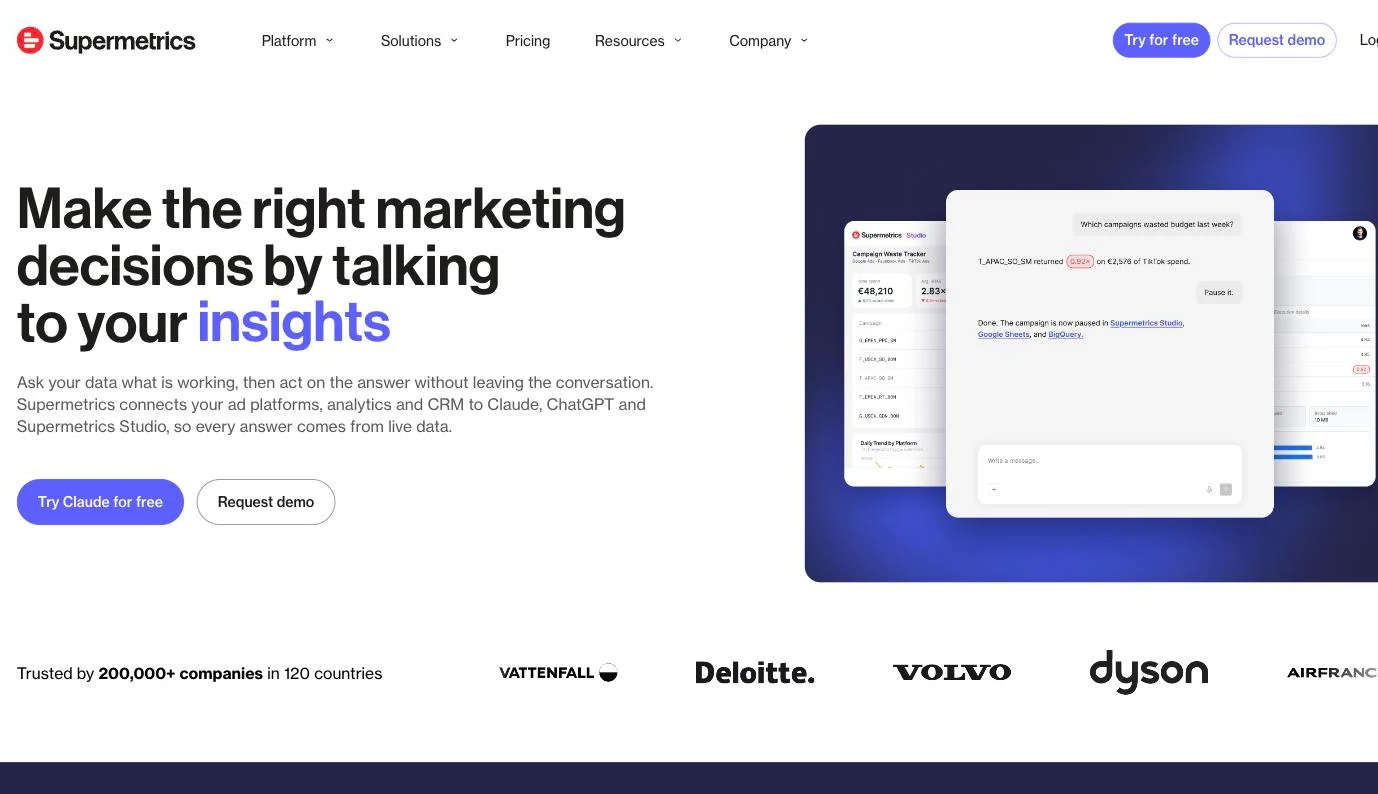
Supermetrics is a connector. It reads Meta's Marketing API and drops campaign, ad set and creative metrics into whatever tool your team already reports in, from a spreadsheet to Snowflake to Claude. The numbers stay Meta's: every purchase in the sheet is one that Meta's own attribution claimed for itself.
Key features
▪Meta Ads connector. Campaign, ad set and creative-level metrics with audience and placement data, from spend and reach to cost per conversion and ROAS.
▪Wide choice of destinations. Google Sheets, Excel, Data Studio, Power BI, BigQuery and Snowflake, plus Claude, ChatGPT and Copilot.
▪Supermetrics Studio. AI builds dashboards from your connected data, with monthly AI credits on each plan.
▪AI campaign management (early access). From an AI chat or the Supermetrics MCP server, create paused campaigns, change budgets and pause or enable ads, with approval modes set per account.
▪Conversion Uploader. A separate Google Sheets add-on that sends offline and conversion data to Meta through the Conversions API, once or on a schedule.
Strengths
Many destinations. One connector feeds spreadsheets, BI tools, warehouses and AI assistants.
Security paperwork. ISO 27001 certification, annual SOC 2 Type II audits and a DPA in the terms.
Limitations
Reports Meta's own conversions. There's no attribution model of its own; Supermetrics leaves modeling to partners or your own tools.
No profit by campaign. There's no COGS, contribution margin, POAS or returns data.
Plan limits arrive early. Growth covers 6 data sources, 7 accounts per source and 2 users. Warehouse destinations are Enterprise-only.
Budget moves are chat commands. Write access is in early access, needs an AI chat destination, and only the person who connected the ad account can grant it.
Pricing
Starter costs $55/month billed monthly or $44/month billed yearly, for 1 user and 3 data sources. Growth costs $222/month billed monthly or $177/month billed yearly. Enterprise is quoted and adds warehouse destinations, API access and data residency control. There's no free plan; the 14-day free trial needs no credit card.
Reviews
Supermetrics scores 4.4 on G2, 4.4 on Capterra, 1.5 on Trustpilot and 2.0 on the Shopify App Store.
Bottom line
Pick Supermetrics if your Meta reporting already lives in Sheets, Data Studio or a warehouse and someone on the team owns it. It moves Meta's numbers as Meta reports them. Independent attribution, margin by campaign and rules that move budget toward a POAS target still need another tool.
Klar
★5.0
Best for: ecommerce teams that want a P&L-style view of their shops and marketplaces, down to margin per SKU, with attribution as an optional add-on.
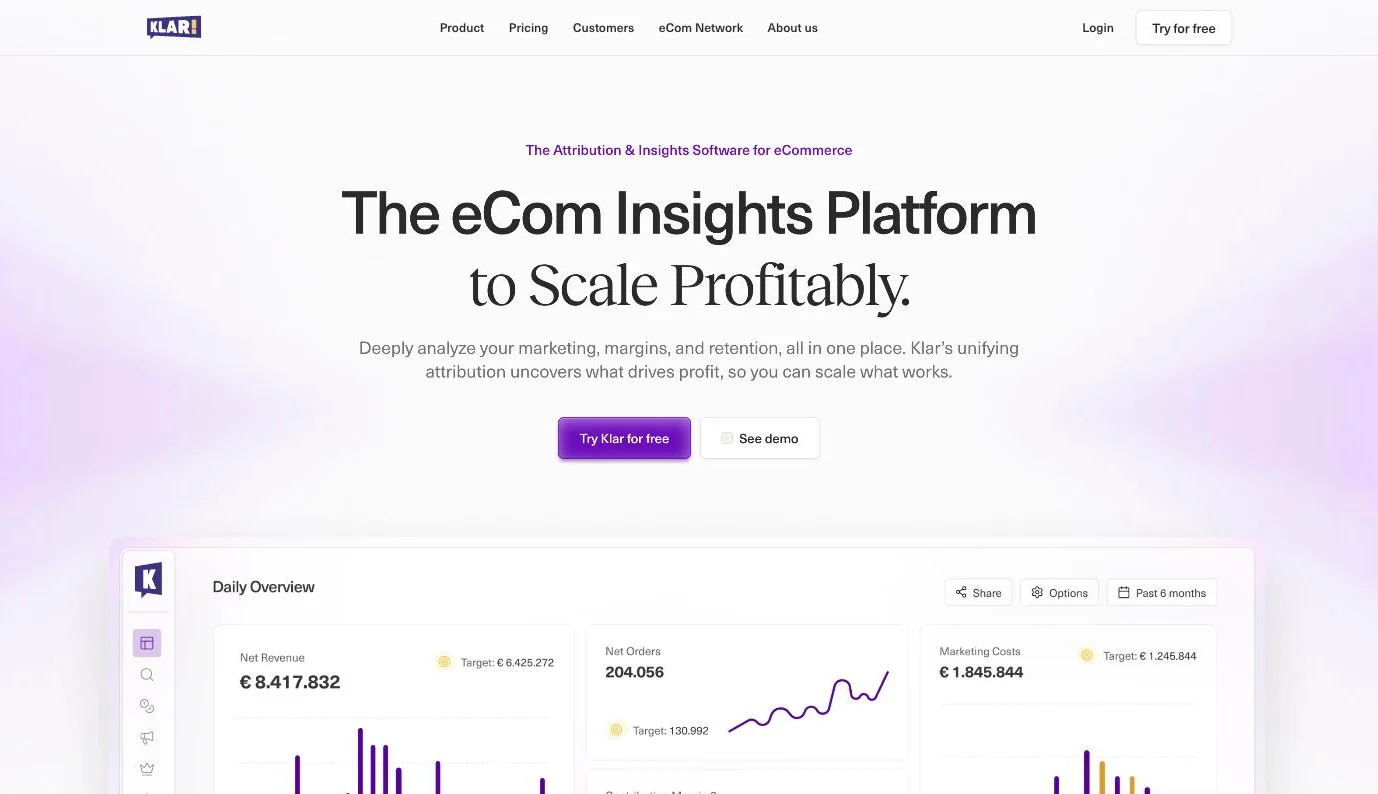
Klar is an ecommerce analytics platform from Munich. It combines multi-touch attribution, a marketing mix model and geo-based incrementality tests with P&L reporting down to CM3 per SKU, plus retention and creative reports. Meta is one of 15+ integrations, and its purchases are counted by Klar's own pixel rather than taken from Meta's report. Klar reports and models; changes to Meta still happen in Ads Manager.
Key features
▪First-party pixel and attribution. A lifetime visitor ID with no lookback window, plus multi-touch and data-driven models, on the Core + Attribution plan.
▪Unified measurement. Multi-touch attribution, MMM and geo-lift incrementality tests in one view, with the tests calibrating the MMM.
▪Profitability reporting. A P&L from GMV through discounts, returns, COGS, logistics, fees and marketing costs to EBITDA, with CM3 per SKU.
▪Creative reporting. Video and image previews next to spend, ROAS, CTR and thumb-stop ratio, with ads grouped by ID, name or creative.
▪Retention. Customer lifetime value, cohorts by first-order product, discount or channel, and repurchase rates.
▪Klar MCP. A read-only connection that lets Claude, ChatGPT and other AI tools query Klar data.
Strengths
Margin per SKU. CM3 by product is part of the standard reports.
EU hosting. Data is hosted in Europe, and Klar is ISO 27001 certified.
Several shop systems. Shopify, Shopware, WooCommerce, Magento and Amazon connect, with an open API for other shops and ERPs.
Unlimited users and integrations. Both plans include them.
Limitations
No conversions back to Meta. Klar sends no conversions back to the ad platforms.
No budget automation. Budgets and ads still change in Ads Manager.
Attribution costs extra. The pixel, multi-touch attribution, MMM and incrementality tests need Core + Attribution, from €400/month.
Built for €1M+ brands. Klar is aimed at brands with at least €1M in annual net revenue.
Pricing
Core starts at €200/month and Core + Attribution at €400/month, both priced on the last 12 months of net revenue after returns and taxes. There's no free plan; the 14-day trial starts once the account is set up, onboarding is free, and there's no long-term contract.
Reviews
Klar scores 5.0 on G2. Its Shopify App Store listing has no reviews yet.
Bottom line
Klar suits a team that wants a P&L-style dashboard across its shops and marketplaces, down to margin per SKU. It stops at the report: no conversions go back to Meta, and budgets still move by hand.
Best for: Meta-heavy advertisers who want rules and AI to manage Meta campaigns, with a Conversions API gateway as an add-on, and who don't need ad management on Google or TikTok.
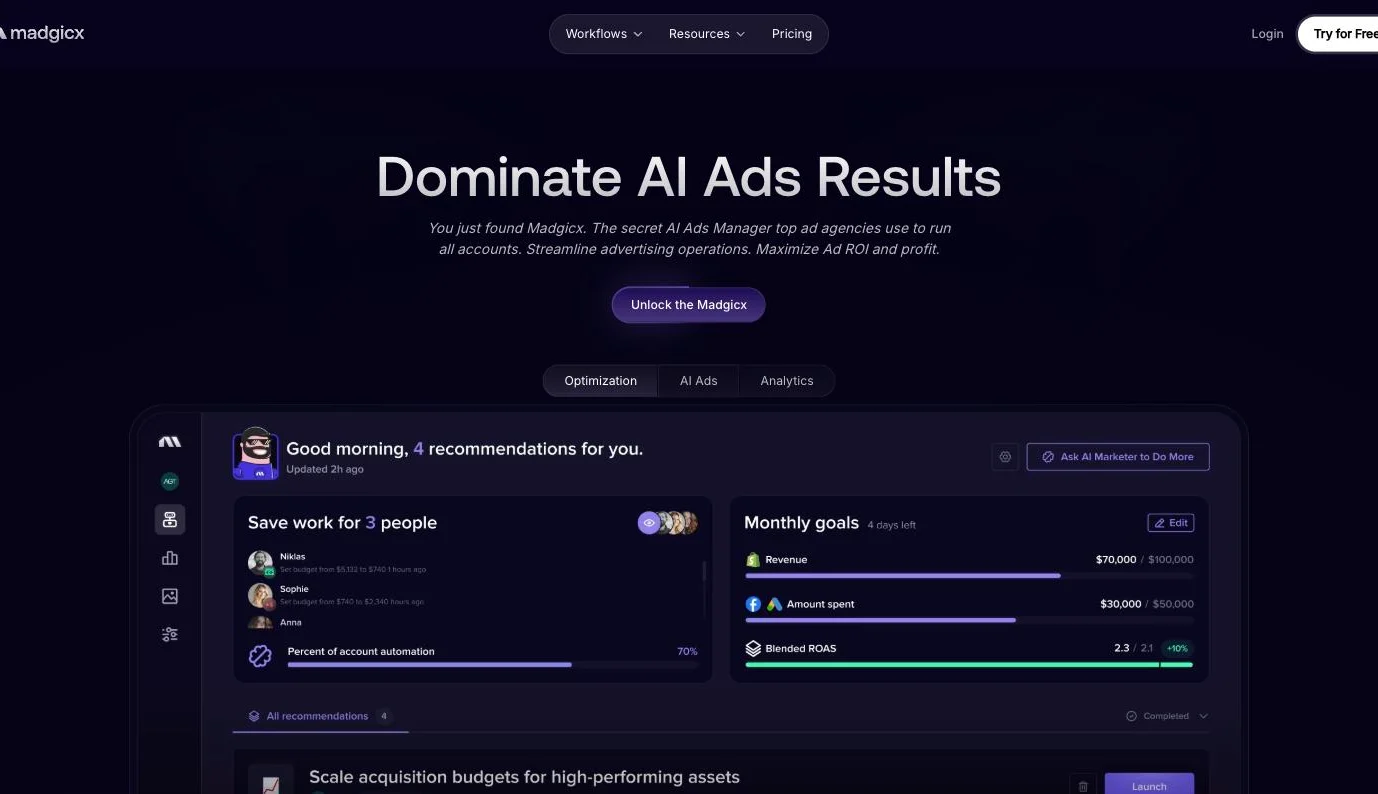
Madgicx calls itself an AI Ads Manager for Meta. Reporting is one part of the package. Dashboards group campaigns by funnel stage, One-Click Report builds shareable reports with net profit, blended ROAS and MER, and automations change budgets, bids and status when your conditions are met. Google Ads, GA4, TikTok, Shopify and Klaviyo come in for reporting only.
Key features
▪Meta Dashboard. Spend, cost per purchase, cost per add to cart, outbound CTR and ROAS, with campaigns and ad sets sorted into funnel stages automatically.
▪One-Click Report. Templates plus a drag-and-drop builder, shared by public link or PDF.
▪Creative Insights and Ad Fatigue detector. How each ad and ad type performs, with fatigue flags alongside.
▪Automations and AI Marketer. Rules pause or start assets and raise or cut budgets and bids; the AI Marketer reviews the account daily and prepares actions for one-click approval.
▪Madgicx Cloud Tracking. Hosts Meta's Conversions API Gateway and Signals Gateway for server-to-server Meta conversions, sold as Tracking Pro inside a plan.
Strengths
It acts on Meta. Rules, the AI Marketer and the Madgicx MCP move budgets and switch ads off without a trip to Ads Manager.
Server-side Meta signals without code. Cloud Tracking needs no code and takes 1–2 days once Madgicx has access to your accounts.
Net profit in the report. One-Click Report calculates net profit from ad spend, COGS and shop revenue.
Limitations
No independent attribution. There's no attribution model of its own, no MMM and no incrementality testing.
Profit stops at net profit. There's no contribution margin, POAS or returns by campaign or product.
Meta-only optimization. Google, TikTok and the rest are reporting only, Cloud Tracking feeds Meta alone, and there's no browser extension.
Agency-first pitch. The homepage sells it as the tool agencies use to run all their accounts, and each extra ad account costs $9 a month.
Pricing
Madgicx Pro Complete is priced by monthly Meta ad spend, in bands from under $1K to $30K+, and the figure is shown inside the app. Billing is monthly, quarterly or annual. Tracking Pro costs $49/month on top, with the same quarterly and annual discounts. The 7-day free trial rolls into the default plan unless you cancel.
Reviews
Madgicx scores 4.6 on G2, 4.3 on Capterra and 1.7 on Trustpilot.
Bottom line
Madgicx fits a media buyer who lives in Meta and wants rules and AI doing the routine budget work. Those moves run without independent attribution or contribution margin behind them, and Google and TikTok budgets still move by hand.
Data Studio (formerly Looker Studio)
★4.4
Best for: teams with an analyst who wants a free canvas for Meta ads reporting and will choose, pay for and maintain a third-party Meta connector.
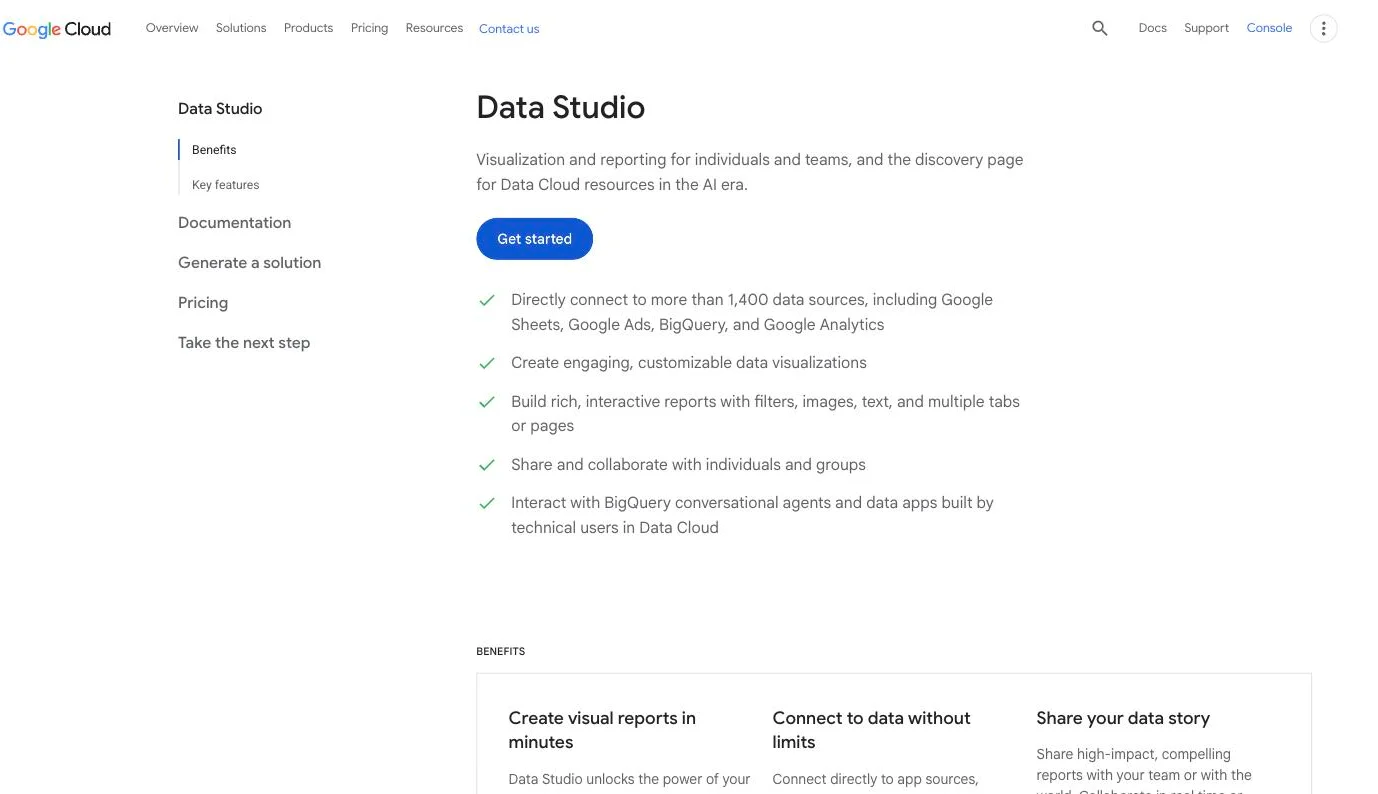
Google renamed Looker Studio to Data Studio on 16 April 2026; the paid tier is now Data Studio Pro. It's Google's no-cost report and dashboard builder, and Google has no Meta connector of its own. Meta ads data arrives through partner connectors from third-party developers, each with its own price, support and refresh, and Google's release notes list four Meta partner connectors added in 2026. Data Studio then charts that data next to Google sources.
Key features
▪Free report builder. Reports and dashboards at no charge for creators and viewers.
▪Partner connectors for Meta. Third-party connectors that pass Google's review and OAuth verification, labeled free, free trial or paid.
▪More than 1,400 data sources. Google-built connectors for Google Ads, GA4, BigQuery and Sheets, plus over 1,300 community connectors.
▪Calculated fields. Build your own metrics on top of whatever the connectors deliver.
▪Data residency on Pro. One region chosen when the subscription starts, with the Netherlands as the European option.
Strengths
Free and flexible. Creators and viewers pay nothing, and Google hosts a report gallery to start from.
Google data built in. Google Ads, GA4 and BigQuery connect natively, with Google ad data refreshing every 12 hours.
EU residency available. Pro can keep data in the Netherlands.
Limitations
No Meta connector from Google. Every Meta ads report depends on a third-party connector, and Google lists its freshness as "Varies". On Google Workspace, Apps Script must be enabled first.
No attribution of its own. There's no attribution, MMM or incrementality. Purchases are whatever the Meta connector delivers.
No profit by campaign. Margin, POAS and returns exist only if you build them in calculated fields, and there's no Google-built Shopify connector.
No budget automation. There's no server-side conversion feed to Meta either.
Pricing
Data Studio is free. Data Studio Pro costs $9 per user per project per month, billed monthly per creator or editor; viewers need no license. An organization-wide option billed on monthly active users goes through Google Cloud sales. Meta connector fees, where they exist, are charged separately by the connector's developer.
Reviews
Data Studio scores 4.4 on G2 and 4.5 on Capterra, where it's still listed as Google Data Studio.
Bottom line
Data Studio suits a team with an analyst who'll own the connector and the calculated fields. It puts Meta's numbers in charts you control. Tracking, attribution, margin and budget moves all need other tools, and the connector bill comes on top.
Lebesgue
★4.7
Best for: small and mid-size Shopify and WooCommerce stores that want Meta reporting, ad account audits and profit tracking at a low monthly price, with attribution as a paid upgrade.
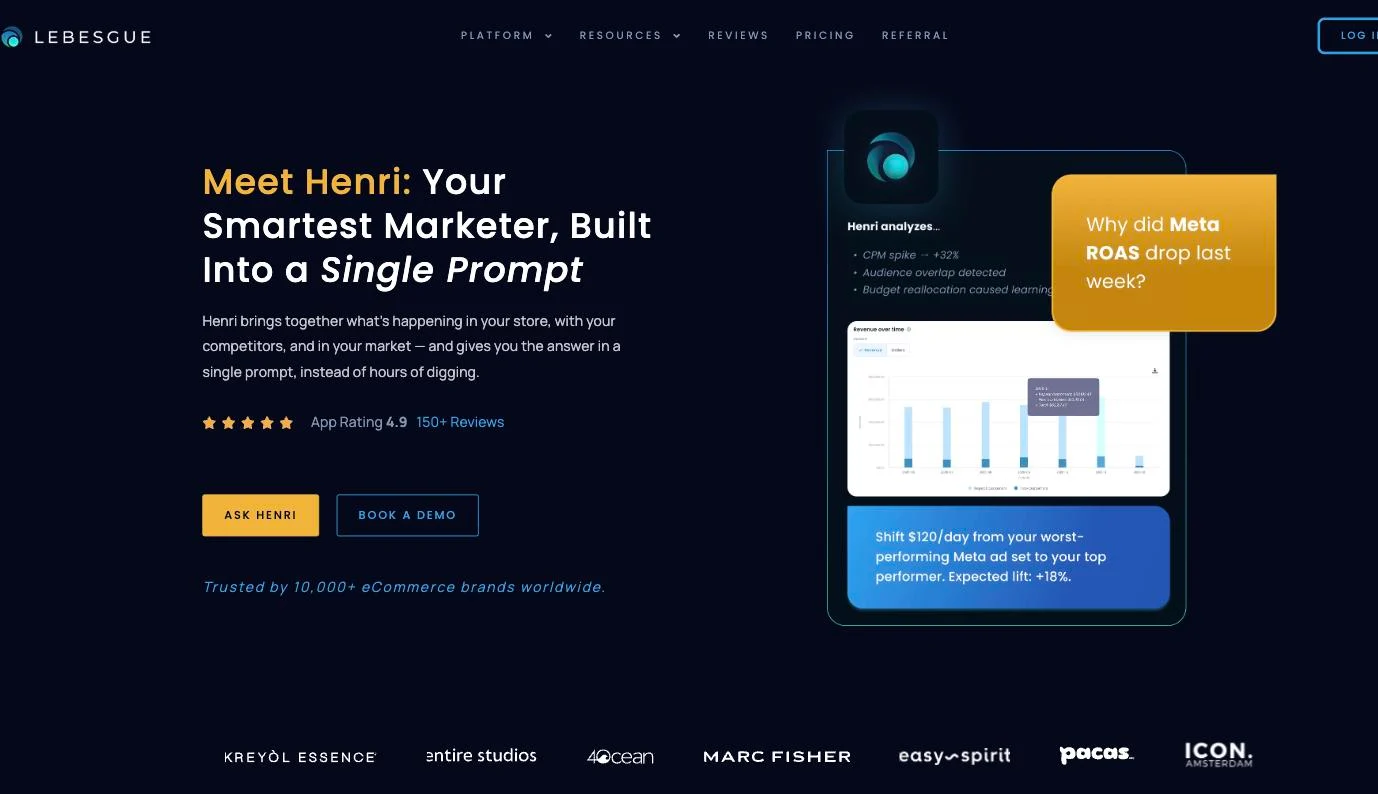
Lebesgue calls itself an AI CMO for ecommerce. The main app puts Meta, Google and TikTok spend next to store revenue and profit, audits the ad accounts, and answers questions through Henri, its AI analyst. Attribution sits in Le Pixel, a separate plan with a first-party pixel, several models and the Meta Conversions API.
Key features
▪Advertising analytics. Spend, ROAS and CPA across Meta, Google and TikTok next to store revenue and profit, on the free plan.
▪Ad account audits. Automated checks of Meta, Google and TikTok accounts against best practice, with tips on what to fix.
▪Le Pixel. A first-party pixel, server-to-server tracking, multiple attribution models and Meta Conversions API integration.
▪Henri AI. Plain-language questions on store and ad data; Ultimate AI adds AI bid management and budget allocation recommendations.
▪LTV and retention. Customer lifetime value and retention analysis on the Ultimate plan.
▪Competitor intelligence. Benchmarks and monitoring of competitors' ads.
Strengths
Free entry. The free plan covers profit tracking, ad analytics and ad audits.
AI at a low price. Ultimate AI includes unlimited Henri questions for $149/month.
Server-side Meta signals. Le Pixel sends conversions to Meta through the Conversions API.
Limitations
Attribution is the expensive part. Le Pixel costs $749/month.
Shopify and WooCommerce only. There's no Shopware or Magento connector.
No contribution margin. Profit tracking covers COGS and custom costs, without contribution margin or POAS.
Budget moves are recommendations. Ultimate AI recommends a budget split, and Lebesgue doesn't say its bid management changes Meta on its own.
Pricing
On its Shopify App Store listing, Lebesgue has a free plan, Ultimate at $79/month ($711/year), Ultimate AI at $149/month ($1,341/year) and Le Pixel at $749/month ($6,741/year). Paid plans include a 14-day free trial.
Reviews
Lebesgue scores 4.9 on the Shopify App Store and 4.7 on G2.
Bottom line
Lebesgue gives a small Shopify or WooCommerce store Meta reporting, account audits and profit tracking for little or nothing. Independent attribution costs $749/month, profit stops before contribution margin, and budget changes stay recommendations.
Funnel
★4.5
Best for: brands with a data team that want every marketing source, Meta included, cleaned and delivered to a warehouse or BI tool, with paid measurement on top.
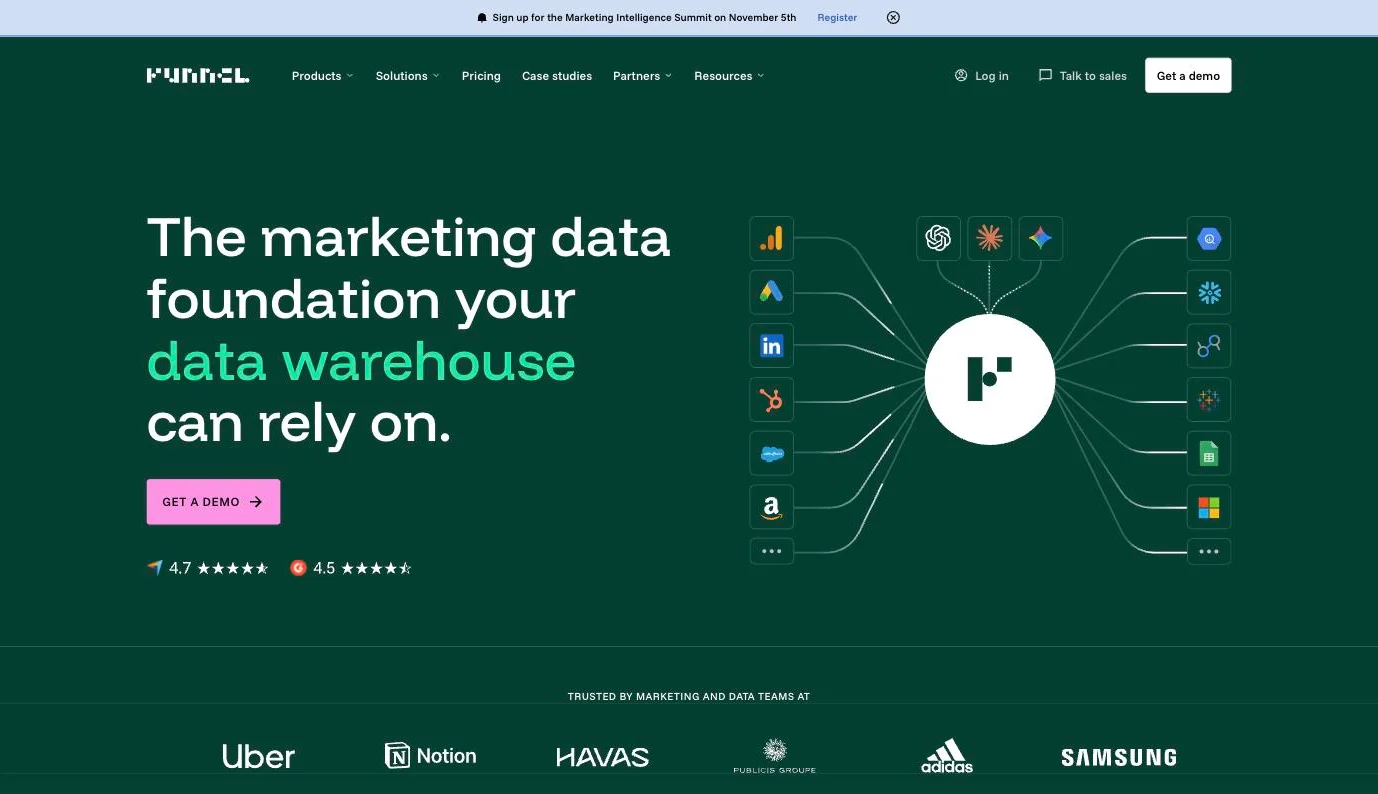
Funnel is a marketing data hub. It pulls data from 600+ connectors, transforms it and sends it on to BI tools, warehouses and back to the ad platforms, which makes it closer to data infrastructure than to a dashboard. For Meta, it reads the Meta Ads API at campaign, ad set and ad level, with Meta-reported conversions under the attribution window you choose. Two parts reach past reporting: conversion uploads to Meta's Conversions API and Funnel Measure, a paid add-on.
Key features
▪Meta Ads connector. Campaign, ad set and ad data with budget fields, breakdowns by age, country and placement, and creative fields.
▪Conversion uploads. Events from your shop, CRM or backend go to Meta's Conversions API server-to-server in near real time.
▪Funnel Measure. MMM, multi-touch attribution and incrementality testing with budget optimization and scenario planning, an add-on on Business and Enterprise.
▪Exports. Data Studio, Power BI, Tableau, Google Sheets, BigQuery, Snowflake and more, every 2 hours on Business.
▪Funnel AI and MCP. Plain-language questions on your data, plus an MCP server for Claude, ChatGPT and other clients.
Strengths
Breadth. 600+ connectors and dozens of destinations.
A path to independent measurement. Measure adds MMM, MTA and incrementality on the same data.
Security and region choice. ISO 27001, a SOC 2 Type 2 attestation and an EU data region on select subscriptions.
Limitations
Reports Meta's own conversions. Out of the box, purchases are Meta-reported. Independent attribution needs Measure, at $2,250/month on its $500K–$1M ad spend tier.
No first-party tracking. There's no pixel of its own; multi-touch attribution relies on journey data from GA4, Segment or a similar tool.
No profit by campaign. The Shopify connector brings gross sales and orders, with no COGS, contribution margin, POAS or returns.
No budget automation. Budgets compares planned with actual spend and alerts on pacing. Meta budgets still move in Ads Manager.
Pricing
Starter starts from $300/month, billed annually, with 117 connectors and a daily export. Business starts from $600/month, billed annually, with 579 connectors and exports every 2 hours. Enterprise is custom. Usage is metered in flexpoints, such as 50 per connector. Funnel Measure's Digital Measurement tier costs $2,250/month, billed annually, at the $500K–$1M ad spend tier. There's no free plan; the 30-day free trial needs no card.
Reviews
Funnel scores 4.5 on G2, 4.7 on Capterra and 2.1 on Trustpilot.
Bottom line
Funnel fits a brand with analysts and a warehouse who want Meta data moved and cleaned. Profit by campaign and budget moves still get built on top.
Triple Whale
★4.5
Best for: Shopify-led brands that want a first-party pixel checking Meta's numbers and an AI agent that can change Meta campaigns on approval.
Triple Whale takes spend, clicks and impressions from Meta's API and counts purchases with the Triple Pixel, a first-party pixel that runs independently of the Meta pixel. Meta's reported ROAS and Pixel ROAS are separate metrics, and Triple Whale warns that they can differ significantly. Since October 2026, Moby, the AI layer, also reads Meta's ads MCP and can put Meta's reported purchases next to Triple Whale's count in one answer.
Key features
▪Meta down to the ad. Campaign, ad set and ad data with prebuilt Meta dashboards, synced every 15 minutes or less.
▪Pixel CV. One column combines the pixel's click-based conversions with Meta's view-through conversions, such as 1-day view.
▪Creative Cockpit. Meta creatives on spend, ROAS, CTR, purchases and blended CPA, grouped by ad name, image ID, video ID or copy.
▪Sonar Optimize. Enriched conversions go to Meta through CAPI, with profit signals since September 2026. Meta Attribution Passback, in open beta, hands Triple Whale's attribution to Meta and needs a Meta rep to switch on.
▪Moby Actions. On Meta, Moby can switch campaigns, ad sets and ads on or off, change budgets and bids, and publish new ads.
▪Compass. Attribution calibrated against a weekly MMM and GeoLift tests, an add-on in early access.
Strengths
Meta's figure and its own count side by side. Meta-reported ROAS and Pixel ROAS are separate columns.
The report and the change sit in one tool. Moby can answer a question about a Meta ad set, then pause it or change its budget, once someone confirms.
Wide send-back. Sonar feeds Meta, Google, TikTok and other ad platforms.
Limitations
No contribution margin. COGS, shipping, fees and custom expenses come off, but POAS runs on total sales minus total costs over blended ad spend, and refunds net out of sales with no returns report.
No numbers inside Meta Ads Manager. Triple Whale's only Chrome extension is a helper for checking the pixel installation.
US-hosted. Data is stored primarily in Google's US data centers, under SCCs and the EU-US Data Privacy Framework.
Hands-off automation costs more. Moby actions currently wait for manual confirmation. Autonomous actions need Automate.
Pricing
On its Shopify App Store listing, Triple Whale has a free plan with first- and last-click attribution, Foundation at $219/month and Automate at $749/month, billed every 30 days or yearly at $2,190 and $7,490. Above $20M in annual GMV, pricing is custom, and Compass costs extra.
Reviews
Triple Whale scores 4.5 on G2, 5.0 on Capterra, 4.1 on the Shopify App Store and 3.3 on Trustpilot.
Bottom line
Triple Whale suits a Shopify brand that wants its own pixel and an agent that acts on Meta after confirmation. It stops before contribution margin, and its numbers never reach Ads Manager.
Best for: Shopify brands with a data-minded team that want Meta judged against deduplicated store numbers and contribution margin, in a warehouse they own.
Polar is a BI platform before it's a Meta tool. Every customer gets a dedicated Snowflake database with 400+ prebuilt ecommerce metrics, and the Polar Pixel adds server-side, first-party tracking. Meta arrives as one row per campaign, ad set and ad. Meta's ROAS stays visible, labeled as Meta's number before deduplication, while blended ROAS and MER are calculated after platform overclaiming comes out.
Key features
▪Pixel attribution. Nine models, including Full Paid Overlap + Facebook Views, refreshed hourly or daily depending on the plan.
▪Contribution margin built in. A CM3 waterfall runs on COGS and fee data stored in the warehouse. POAS can be defined once as a custom metric.
▪Advertising Signals. Pixel-captured purchases go to Meta and Google Ads through CAPI with hashed customer data, deduplicated by event ID and refreshed every 15 minutes.
▪Causal Lift. Geo-lift tests on Meta, Google, TikTok or TV, run with a dedicated Polar data scientist.
▪Polar Operator. An AI agent in Slack that can pause Meta ads on sold-out products, next to Ask Polar and an MCP server for plain-language questions.
Strengths
Deduplicated and reported figures together. Meta's ROAS sits next to blended ROAS and MER.
Margin by channel and product. Contribution margin ships as a standard metric, so CM3 doesn't wait for the finance team's month-end sheet.
A warehouse with your name on it. Dedicated Snowflake, unlimited users and history, SQL access as an add-on.
Limitations
Creative analysis is in beta. Creative Studio sorts Meta creatives by spend, CTR, clicks and impressions.
No numbers inside Meta Ads Manager. There's no browser extension.
Every action waits for a human. Operator holds any change outside Polar for confirmation, which rules out autonomous budget moves.
Built for Shopify, with signals to two platforms. Polar calls itself purpose-built for Shopify, and Advertising Signals covers only Meta and Google.
Pricing
Polar's pricing page shows no figures and prices its Core and Custom plans by annual GMV after a demo. On its Shopify App Store listing, Core starts at $750/month based on online GMV, billed every 30 days, with annual discounts. The listing includes Advertising Signals in Core, and there's no free plan.
Reviews
Polar scores 4.9 on the Shopify App Store, 4.7 on G2 and 3.0 on Trustpilot.
Bottom line
Polar suits a Shopify team that wants contribution margin in its own Snowflake warehouse. Acting on it still means a confirmation in Slack or a trip into Ads Manager, and creative analysis is in beta.
Best for: in-house performance and creative teams with a high Meta creative volume that want to see which angles, formats and assets win.
Motion answers one Meta question in depth: which creative is working. Its reports group results by creative by default, adding up one asset's performance across every ad set and campaign through its creative ID. The numbers underneath belong to Meta: platform-reported performance under Meta's attribution setting, 7-day click and 1-day view unless changed, over a connection that only reads. Runneth, Motion's AI agent, comes with every paid plan.
Key features
▪Creative-level reports. Launch, Top performing and Comparative analysis reports cover active, inactive and learning ads, with campaign as a filter.
▪200+ metrics and AI tags. CTR, ROAS, CPA and conversions, plus AI tags for messaging angle, asset type and visual format, and frame-by-frame video analysis.
▪Runneth. An AI agent with long-term memory, Slack access and routines that names ads and can launch them to Ads Manager.
▪Attribution window and imports. Change Meta's window per workspace or report; Pro brings in Northbeam and Google Analytics data.
▪Inspo, benchmarks and MCP. Ad inspiration, benchmarks and a read-only MCP server for Claude and ChatGPT.
Strengths
One number per creative. An asset's results add up across every campaign and ad set it runs in, the figure a creative team needs before making more of it.
Tags that explain a result. Messaging angle and format tags let a creative strategist compare whole concepts instead of single ads.
Easy to share. Unlimited seats, snapshot links, and reports for freelancers with sensitive data hidden.
Limitations
Reports Meta's own conversions. Without the Northbeam or GA4 import on Pro, purchases and ROAS are what Meta reports.
No profit view. Creatives are ranked on Meta-reported metrics such as ROAS and CPA, with no product cost, contribution margin or POAS.
No budget automation. Motion only reads from Meta. Runneth can launch new ads, and budgets and bids are still changed in Ads Manager.
No tracking or server-side conversion feed to Meta. Motion has no pixel and sends nothing back through CAPI.
Pricing
Starter costs $999/month, billed monthly, for up to $50k of monthly ad spend, with unlimited seats and ad accounts and Runneth included. Pro (above $50k) and Growth (above $125k) are quoted. The 14-day free trial needs no card, covers one ad account and leaves Runneth out by default.
Reviews
Motion scores 4.5 on G2 and 3.4 on Trustpilot.
Bottom line
Motion suits a creative team that ships many Meta ads a week and sorts them by concept. The conversions and ROAS behind its reports are Meta's, and money moves elsewhere.
Databox
★4.4
Best for: teams that want Meta on the same KPI dashboard as the rest of the business, with goals, alerts and a free way to start.
Databox is a general dashboard and reporting tool that connects 130+ sources and adds an AI analyst called Genie. Its Meta Ads connector reads Meta's API at campaign, ad set or ad level, with breakdowns by age, device and placement, and makes no changes to campaigns. The conversions are Meta's: purchases and custom conversions come from Meta's pixel events as Meta reports them, and action-based metrics need an action type such as purchase picked per metric.
Key features
▪Meta at three levels. Campaign, ad set and ad metrics, with demographic, device and placement breakdowns.
▪Meta Ads templates. 170+ prebuilt options for Meta pages and ads, ad creative previews, and dashboard templates, including one for ecommerce campaigns.
▪Genie and agents. An AI analyst on monthly credits, plus agents that run recurring analysis and deliver it to Slack, Claude, the API or MCP.
▪Goals, forecasts and anomaly detection. Set targets for Meta metrics and get warned when one moves unexpectedly.
▪Shopify next to Meta. The Shopify integration re-pulls orders changed up to three months later to catch refunds.
▪Sync by plan. Daily on Free, hourly on paid plans, and a 15-minute add-on where the source allows it.
Strengths
Cheap to start. A free-forever plan and a 14-day trial without a card, with dashboards built in minutes.
Meta on the company scorecard. Meta spend sits next to Shopify revenue and spreadsheet data on one screen.
Built for AI clients. The Databox MCP works with Claude, ChatGPT, Cursor and Gemini CLI on every paid plan.
Limitations
Reports Meta's own conversions. There's no attribution model, pixel or MMM, so Meta's count is the count.
No profit metrics. No COGS, contribution margin or POAS.
Read-only for Meta. No budget automation and no server-side conversion feed to Meta. Meta access tokens also expire after 60 days and need reconnecting.
US-hosted. Data sits on AWS in the US East region, with no EU hosting option.
Pricing
Free costs $0 with one user, three sources and daily sync. Analyst costs $71/month and Team starts at $199/month, both billed annually, with hourly sync. Agency starts at $79 billed annually plus account packs, and Custom is quoted. Annual billing saves 20%, and every paid plan has a 14-day trial.
Reviews
Databox scores 4.6 on Capterra, 4.4 on G2 and 3.2 on Trustpilot.
Bottom line
Databox puts Meta numbers next to the other KPIs the business tracks. It reports what Meta says. There's no profit layer, and nothing feeds back into the ad account.
Northbeam
★4.5
Best for: brands with a sizable multi-channel ad budget that want independent attribution built around first-time customers, with MMM+ and incrementality on the higher plans.
Northbeam is a measurement platform with its own pixel, multi-touch attribution, MMM+ and incrementality tests. Meta reporting lives on the Sales page, by campaign, ad set and ad, with Meta's own metrics available alongside.
Key features
▪First-time customers by default. Revenue, ROAS and CAC default to first-time buyers, next to a new-customer count, down to the single Meta ad.
▪Clicks + Deterministic Views. Meta views count only when matched to an order by order ID, which needs 80% order ID coverage and refreshes three times a day.
▪Creative Analytics. Ad-level cards for Meta and five other platforms, with up to six ads compared on CTR, CPM, ECR, CAC and ROAS.
▪Apex. Northbeam attributes first and sends Meta the result; Enhanced Apex adds order- and touchpoint-level data through CAPI.
▪MMM+ and incrementality. MMM+ is optional on Enterprise; holdout and geo tests with iROAS are optional on Professional and Enterprise.
▪Northbeam AI and MCP. An in-app assistant with a weekly usage limit and a read-only MCP, both on every plan.
Strengths
View credit that has to match an order. Meta gets credit for an impression only when an order ID backs it up.
New-customer reporting out of the box. NC-CAC and first-time ROAS are the defaults, which suits a brand paying Meta to acquire.
Its own attribution reaches Meta. Apex comes from Starter, with AppLovin live and Snap in closed beta.
Limitations
No contribution margin. Profit Benchmarks turn COGS into ROAS and MER targets with red, yellow and green flags. There's no contribution margin or POAS.
No budget automation. Northbeam AI reads data without editing spend, the MCP is read-only, and budget changes happen in Ads Manager.
No numbers inside Meta Ads Manager. There's no browser extension.
Refresh depends on the contract. Spend refreshes hourly or four times a day, and hourly conversion data is an Enterprise option.
Pricing
Price follows pageviews and data refresh frequency. Starter is shown at $1,500 with month-to-month, usage-based billing for Shopify brands spending under $1.5M a year on ads. Professional costs $3,500/month on annual terms, billed annually or semi-annually, for up to $500K of monthly ad spend. Growth, sold through agency partners, and Enterprise are quoted.
Reviews
Northbeam scores 5.0 on the Shopify App Store, 4.5 on G2, 3.5 on Capterra and 2.6 on Trustpilot.
Bottom line
Northbeam measures Meta independently, with first-time customers up front. It stops at profit benchmarks and leaves every budget move to the team.
Admetrics is the best Meta ads reporting tool for ecommerce brands that need to know what Meta earned and act on it. The fit for each tool on the list:
▪Admetrics: reporting Meta in contribution margin on independent attribution, and optimizing Meta and the store on the same numbers, from $399/month.
▪Supermetrics: moving Meta's own numbers into Sheets, Data Studio or a warehouse.
▪Klar: European DTC brands above €1M revenue that want MTA, MMM and CM3 with EU hosting, and move budgets themselves.
▪Madgicx: Meta-only teams that want automation rules on Meta's own numbers.
▪Data Studio (formerly Looker Studio): a free dashboard for teams that add a Meta connector.
▪Lebesgue: small Shopify and WooCommerce stores that want Meta reporting and profit tracking at a low price.
▪Funnel: data teams that move many sources into a warehouse.
▪Triple Whale: Shopify brands that want attribution and Moby actions without contribution margin.
▪Polar Analytics: Shopify brands that want a Snowflake warehouse and approve every action by hand.
▪Motion: creative teams that judge Meta ads creative by creative.
▪Databox: KPI dashboards across many tools.
▪Northbeam: high-spend brands that want MTA and MMM+ and move budgets themselves.
Start the 21-day Admetrics trial on your own orders and put the Admetrics columns in Ads Manager next to last Monday's report. Look first at the campaigns where the two disagree.
Admetrics is the best Meta ads reporting tool for in-house ecommerce teams that judge Meta on profit. It reports Meta campaigns, ads and creatives in contribution margin and POAS on its own attribution, shows them inside Ads Manager and moves Meta budgets on the same numbers.
Is Meta Ads Manager enough for Meta ads reporting?+
For a brand that spends almost only on Meta and tracks profit elsewhere, it often is. Meta Ads Reporting is free and sends scheduled reports. It stops at Meta's own attribution, holds no product costs or returns, and sees one channel.
What is the best free Meta ads reporting tool?+
Meta Ads Reporting inside Ads Manager. Data Studio is free as well, though Meta data needs a third-party connector that may charge. Free setups report Meta's own conversions, and Admetrics has a 21-day free trial with no card.
Can I use Looker Studio (Data Studio) for Meta ads reporting?+
Yes, with a connector. Google renamed Looker Studio to Data Studio in April 2026 and has no Google-built Meta connector, so Meta data arrives through third-party connectors, some of them paid. Anything close to profit then needs calculated fields and a cost sheet.
Why don't my Meta ads numbers match Shopify?+
Meta counts purchases under its attribution setting, which can include view-through credit and modeled conversions, while Shopify counts each order once. Google and TikTok claim some of the same orders too. An attribution model matched to store orders shows the size of the gap per campaign.
What should a Meta ads report include?+
Spend, CPM, CTR and frequency by campaign, ad set, ad and creative, with Meta-reported purchases next to independently attributed ones. Then NC-CAC, contribution margin, POAS and returns by campaign, the rows a budget decision rests on.
Can a reporting tool optimize my Meta ads?+
Some can act on Meta, but on Meta's own numbers or only after a confirmation step, and report builders such as Databox and Data Studio only read. Admetrics optimizes on its own profit numbers: Conversion Signals sends enriched conversions to Meta server-side, and Ad Pilot checks Meta campaigns 24 times a day against a CAC, POAS or new-customer ROAS target.