This document outlines an automated weekly workflow utilizing an AI agent to analyze Meta Ad performance, derive structural insights, generate new creative assets via Higgsfield, traffic campaigns into Meta, and manage budget optimizations.
Core Cycle: Data Extraction → Pattern Analysis → Creative Briefing → Asset Generation (Higgsfield) → Campaign Upload (Meta) → Performance Analysis → Budget Adjustment (Scale/Pause) → Iteration.
1. System Setup & Integrations
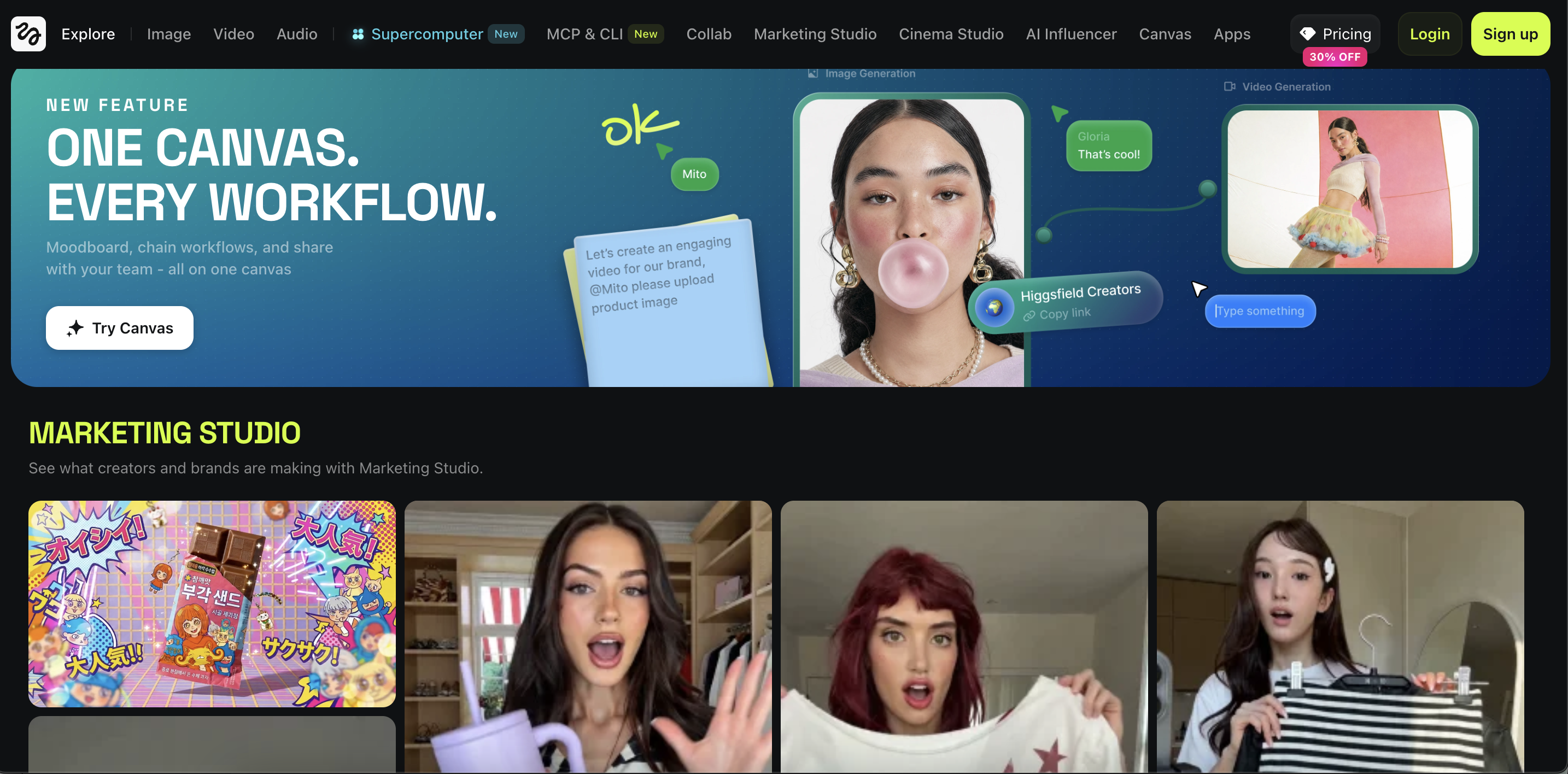
Higgsfield Model Context Protocol (MCP)
Higgsfield can be used for generating high-fidelity image and video assets across multiple models (e.g., Sora 2, Veo 3.1, Flux). Authentication is handled via standard OAuth.
- Endpoint:
https://mcp.higgsfield.ai/mcp - Web Interface Configuration: Navigate to Settings → Connectors → Add custom connector. Name it "Higgsfield", input the endpoint URL, and authenticate.
- CLI Configuration:
claude mcp add --transport http --scope user higgsfield <https://mcp.higgsfield.ai/mcp> - Validation Prompt: > "Generate a 9:16 direct-response lifestyle image for [PRODUCT] using Higgsfield. Ensure the product is clearly visible. Return the accessible asset URL."
Official Meta Ads MCP
Provides comprehensive read/write access for campaign structuring, asset uploading, and performance analytics.
- Endpoint:
https://mcp.facebook.com/ads - Web Interface Configuration: Settings → Connectors → Add custom connector. Name it "Meta Ads", input the endpoint URL, and authenticate with your Meta Business Manager credentials.
- CLI Configuration:
npm install -g @meta/ads-cli - Validation Prompt: > "List all accessible Meta ad accounts. Display the account name, ID, and campaign creation eligibility for each."
Fallback Option: Pipeboard Meta Ads MCP
Use only if the official integration is inaccessible.
- Endpoint:
https://meta-ads.mcp.pipeboard.co/ - CLI Configuration:
claude mcp add --transport http pipeboard-meta-ads <https://meta-ads.mcp.pipeboard.co/>
2. Central Control Database
Create a centralized spreadsheet (Google Sheets or Airtable) featuring the following four tabs. This acts as the definitive source of truth for the AI agent.
Tab A: system_parameters
Defines the operational boundaries and financial guardrails for the automation.
ParameterExample Valuemax_daily_budget_per_campaign€50max_total_new_campaign_budget€300min_spend_before_evaluation€30target_cpa_limit[Your Target CPA]target_roas_minimum[Your Target ROAS]baseline_ctr1.5%scale_budget_increment20%kill_switch_zero_conversions€50 spendfatigue_frequency_threshold3.5approved_objectivesSales, Leads, Trafficdefault_launch_statePAUSEDautonomous_launch_activeFALSEautonomous_scaling_activeFALSE
Tab B: creative_pipeline
Tracks individual creative assets from conception through deployment.
- Key Columns:
creative_id,product_focus,target_audience,marketing_angle,visual_hook,aspect_ratio,format(Image/Video),visual_description,higgsfield_generation_prompt,ad_copy_primary,ad_copy_headline,cta_type,brand_guidelines,insight_source,pipeline_status(queued/generating/completed/uploaded/active/paused/error),asset_url,meta_campaign_id,meta_adset_id,meta_ad_id,error_logs.
Tab C: performance_ledger
Updated weekly with extracted Meta metrics.
- Key Columns:
report_date,meta_entity_ids(Campaign/AdSet/Ad),internal_creative_id, Standard Metrics (spend,impressions,clicks,ctr,cpc,cpm), Conversion Metrics (purchases_leads,cpa,roas),ad_frequency,hook_retention_rate(3-sec view),system_decision(scale/maintain/pause/iterate/insufficient_data),decision_rationale.
Tab D: competitive_intelligence
Houses structural insights derived from competitor research (frameworks, not direct copies).
- Key Columns:
analysis_date,competitor_name,asset_format,hook_framework,visual_hierarchy,copywriting_formula,offer_structure,transferable_insight,brand_specific_elements_to_avoid.
3. The Weekly Operational Workflow
This sequence executes every Monday, with each phase informing the subsequent step.
Phase 1: Data Ingestion & Classification
The AI pulls 7-day, 14-day, and 30-day performance data from Meta. Ads are classified based on the system_parameters:
- High Performer: CPA < target AND ROAS > target.
- Fatigued Performer: Favorable CPA but frequency exceeds maximum threshold.
- Funnel Drop-off: High CTR, but CPA exceeds target limit.
- Underperformer: Spend exceeds the evaluation threshold with zero conversions (Pause).
- Data Gathering: Spend is below the minimum evaluation threshold.
Phase 2: Insight Extraction
The AI reviews provided competitor ad references (manual URLs required, as MCP does not read the Meta Ad Library directly). It extracts reusable frameworks—such as visual pacing, hook mechanics, and copy structures—and logs them in competitive_intelligence.
Phase 3: Creative Brief Assembly
Using the gathered data, the AI generates a predefined weekly batch of briefs (e.g., 20 total: 5 UGC, 5 product demos, 5 statics, 3 expert features, 2 retargeting). These are populated in creative_pipeline with the status set to "queued".
Phase 4: Asset Production (Higgsfield)
For all "queued" rows, the AI dispatches the prompt to the Higgsfield MCP.
- Requirement constraints: Must enforce aspect ratios, brand kits, clear product visibility, and native platform aesthetics. Hallucinated UI elements or competitor mentions are strictly forbidden.
- Upon success, the
asset_urlis saved, and status updates to "completed".
Phase 5: Meta Campaign Deployment
The AI traffics "completed" assets via the Meta Ads MCP.
- Structure: 1 Campaign per product → 1 Ad Set per audience → 3-5 Ads.
- Placements: Advantage+ or manual (Feed, Reels, Stories).
- Naming Convention:
[Brand]_[Product]_[Angle]_[Format]_[Date] - All assets default to PAUSED unless
autonomous_launch_activeis TRUE.
Phase 6: Optimization & Reporting
- Scale: If
autonomous_scaling_activeis TRUE, budgets are increased by thescale_budget_incrementfor High Performers. - Pause: Underperformers hitting the kill-switch criteria are paused. (Note: The AI must never modify campaigns it did not originate).
- Iterate: High Performers trigger new queued briefs featuring varied hooks or visual formats while retaining the core winning angle.
- Report Generation: A summarized markdown report is outputted detailing spend, ROAS, paused assets, scaling actions, and errors.
4. Rollout Protocol
- Phase 1: Sandboxed Review (Weeks 1-3)
autonomous_launch_active= FALSE |autonomous_scaling_active= FALSE- All campaigns are built in a paused state. Human oversight is required to approve creatives, verify tracking, and manually activate campaigns.
- Phase 2: Automated Deployment (Weeks 4+)
autonomous_launch_active= TRUE |autonomous_scaling_active= FALSE- The agent traffics and activates new campaigns automatically. Budget scaling remains manual.
- Phase 3: Autonomous Execution
autonomous_launch_active= TRUE |autonomous_scaling_active= TRUE- Requires strict account-level budget caps and alert systems for tracking failures or compliance flags.
5. AI Agent System Directives
Deploy this as the core system instruction for the AI agent handling the automation.
You are the automated media buying and creative strategist for [BRAND]. Your objective is to execute a weekly Meta Ads optimization and creation cycle.
Available Integrations:
- Higgsfield MCP (Asset Generation)
- Meta Ads MCP (Campaign management and data retrieval)
- Control Database (Rules, Pipeline, Performance, Intelligence)
Absolute Directives (Do Not Violate):
- Never plagiarize competitor creative; extract structural frameworks only.
- Never generate assets with unsubstantiated claims.
- Never exceed the budget thresholds outlined in the system parameters.
- Never duplicate active campaigns.
- Never modify, scale, or pause any campaign not explicitly created by this workflow.
- All new builds must remain PAUSED unless
autonomous_launch_activeis TRUE.
Execution Order: Read parameters → Extract Meta performance → Classify active ads → Analyze provided competitor URLs for frameworks → Draft creative briefs → Generate assets via Higgsfield → Traffic to Meta → Execute scaling/pausing rules (if permitted) → Queue iterations of winning ads → Generate weekly summary report.
Halt execution and log an error immediately if budget caps are at risk, tracking pixels are missing, or account permissions fail.
6. Execution Trigger Command
Use this prompt to initiate the weekly cycle.
Initiate the weekly Meta Ads automation cycle.
- Read the
system_parameterstable. - Extract 7, 14, and 30-day Meta performance data and update the ledger.
- Classify all managed ads (High Performer, Fatigued, Underperformer, Data Gathering).
- Process new competitor inputs into the intelligence tab.
- Generate 20 new creative briefs and queue them.
- Process all queued briefs through Higgsfield and log the asset URLs.
- Upload finalized assets to Meta. Build the required campaigns, ad sets, and ads.
- Default all new campaigns to PAUSED unless system rules dictate otherwise.
- Execute scaling and pausing operations strictly according to the active parameters.
- Queue iterative variations for all winning creatives.
- Output the finalized weekly performance and action report.
Adhere strictly to budget limits and operational guardrails. Log all actions.
Conclusion: Mastering Autonomous Media Buying
Implementing this automated Meta Ads pipeline represents a fundamental shift from manual campaign management to agentic media buying. By tightly coupling Higgsfield’s generative AI capabilities with the Meta Ads MCP and a rigorously governed control database, you establish a self-sustaining, high-velocity creative testing loop.
Key Takeaways for Long-Term Success:
- Data-Driven Iteration: The true power of this workflow lies in its closed-loop feedback cycle. The agent doesn't just create; it actively learns from historical performance data, automatically doubling down on winning frameworks and pivoting away from ad fatigue.
- Strict Financial Guardrails: AI autonomy is only as safe as the boundaries you set. The
system_parameterstab acts as your ultimate fail-safe, ensuring the agent never exceeds budget caps or scales unproven concepts. - Phased Trust Building: Never rush the rollout protocol. Transitioning from human-in-the-loop oversight (Phase 1) to complete execution autonomy (Phase 3) requires patience. Use the sandboxed phases to validate the AI’s asset quality, structural compliance, and decision-making logic.
Ultimately, this SOP removes the operational friction of daily ad management—uploading assets, pausing losers, and calculating minor budget tweaks. It frees your human team to focus entirely on high-level strategy, deep competitive research, and refining the brand guidelines that steer the AI. Trust the data, respect the rollout phases, and allow the automation to aggressively scale your highest-performing angles.
How Admetrics can help scale META ads further
Admetrics serves as a comprehensive marketing analytics platform that unifies Meta ads tracking with other paid and organic traffic sources into a single, intuitive dashboard. By utilizing advanced server-to-server (S2S) tracking and Bayesian attribution, Admetrics effectively bypasses platform reporting biases and privacy limitations, such as those imposed by iOS 14, providing e-commerce brands with a "single source of truth" for the entire customer journey.
This robust tracking capability allows merchants to accurately attribute sales to specific Meta campaigns and creatives, understand their real Return on Ad Spend (ROAS) and Customer Acquisition Cost (CAC), and analyze Customer Lifetime Value (LTV) through predictive modeling. Furthermore, Admetrics enhances Meta's own algorithm performance by sending enriched, high-quality conversion data back to the network, which can lead to significant improvements in reported ROAS and campaign efficiency. Try Admetrics for free.
Frequently Asked Questions (FAQs)
1. What core integrations are required to run this automated Meta Ads pipeline?The workflow relies on two primary Model Context Protocols (MCPs):
- Higgsfield MCP: Authenticated via OAuth, this handles the generation of high-fidelity image and video assets using models like Sora 2, Veo 3.1, and Flux.
- Official Meta Ads MCP: This provides read/write access to Meta Business Manager for campaign structuring, asset uploading, and pulling performance analytics. (A fallback option, Pipeboard Meta Ads MCP, is also used if the official endpoint is inaccessible).
2. How does the AI agent make budget and optimization decisions?The AI agent operates strictly based on a system_parameters tab within a centralized Control Database (Google Sheets or Airtable). This tab defines hard financial guardrails, including maximum daily budgets, target CPAs, target ROAS minimums, scale increments (e.g., 20%), and kill-switch criteria for underperforming ads.
3. How does the system classify active ad performance?During Phase 1 of the weekly workflow, the AI pulls 7-day, 14-day, and 30-day Meta metrics and classifies ads into five categories:
- High Performer: CPA is below target and ROAS is above target.
- Fatigued Performer: Good CPA, but ad frequency exceeds the maximum threshold.
- Funnel Drop-off: High CTR, but CPA exceeds the target limit.
- Underperformer: Spend exceeds the evaluation threshold with zero conversions (triggers a pause).
- Data Gathering: Spend is below the minimum evaluation threshold.
4. Will the AI copy competitor ads directly?No. A strict system directive prohibits the AI from plagiarizing competitor creative. Instead, the AI agent reviews competitor ad references to extract reusable structural frameworks—such as visual pacing, hook mechanics, offer structures, and copywriting formulas—and logs them in the competitive_intelligence tab.
5. What is the process for rolling out this automation safely?The SOP mandates a 3-phase Rollout Protocol to build trust in the AI's execution:
- Phase 1 (Sandboxed Review - Weeks 1-3): AI builds all campaigns in a PAUSED state. Human oversight is required to approve creatives and manually activate them.
- Phase 2 (Automated Deployment - Weeks 4+): The AI traffics and launches campaigns automatically, but budget scaling remains a manual human action.
- Phase 3 (Autonomous Execution): The AI handles both launching and scaling autonomously, relying heavily on strict account-level budget caps and tracking alerts.
6. Will the AI interfere with my existing, manually created Meta campaigns?Absolutely not. One of the absolute system directives hardcoded into the AI agent is: "Never modify, scale, or pause any campaign not explicitly created by this workflow." It isolates its operations to the campaigns it generates.
7. How does the AI generate new creative briefs?In Phase 3 of the workflow, the AI synthesizes gathered performance data and extracted competitor frameworks to generate a predefined weekly batch of briefs (e.g., 20 total briefs spanning UGC, product demos, statics, and retargeting). These are populated in the creative_pipeline tab with visual descriptions, copy, and specific prompts ready to be sent to Higgsfield.
8. How does the workflow iterate on winning ads?When the AI identifies a "High Performer" during its weekly analysis, it automatically queues iterative variations of that ad for the next cycle. It will retain the core winning angle or structural framework but request varied visual hooks, pacing, or formats to prevent audience fatigue.
9. What constraints are applied to the Higgsfield AI during asset generation?When dispatching prompts to the Higgsfield MCP, the agent enforces strict requirements: it must apply specific aspect ratios, adhere to brand kits, ensure clear product visibility in the first frame, and maintain native platform aesthetics. Hallucinated UI elements or unsubstantiated claims are strictly forbidden.
10. What failsafes are in place if something goes wrong during execution?The AI agent's prompt contains hard-stop directives. Execution halts immediately and an error is logged if budget caps are at risk of being exceeded, if tracking pixels (or CAPI) are missing, if account permissions fail, or if a generated asset contains an unsupported compliance claim.